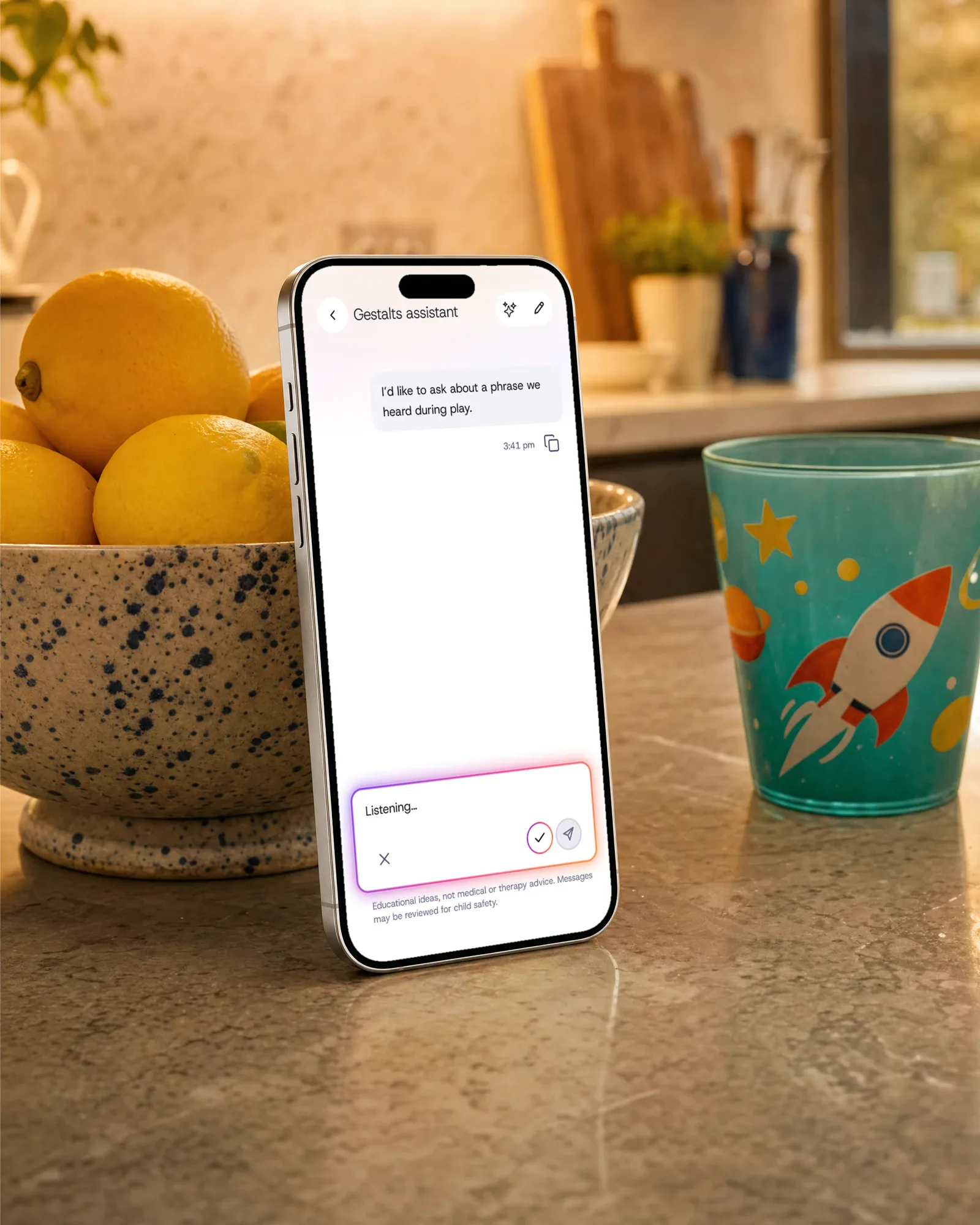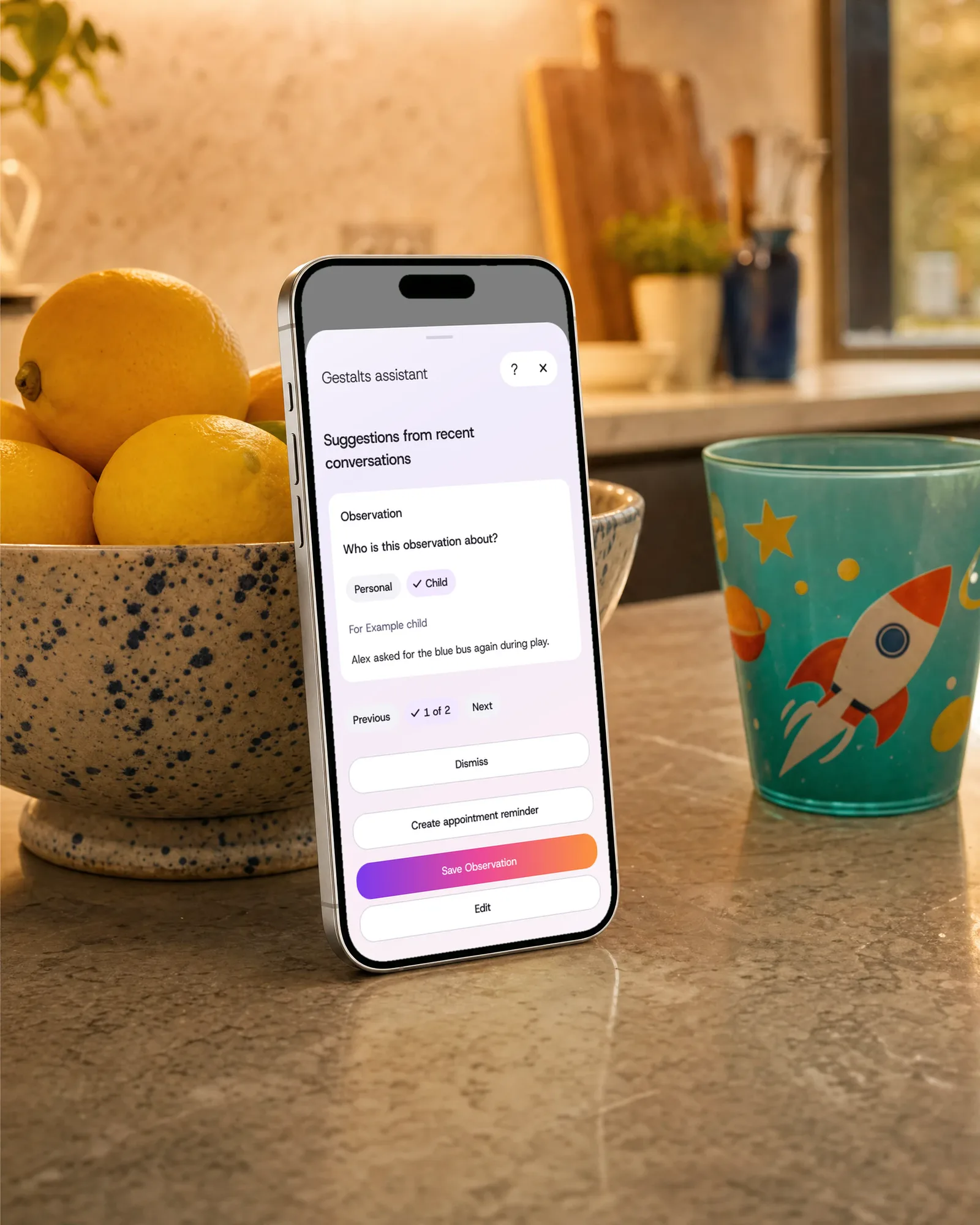
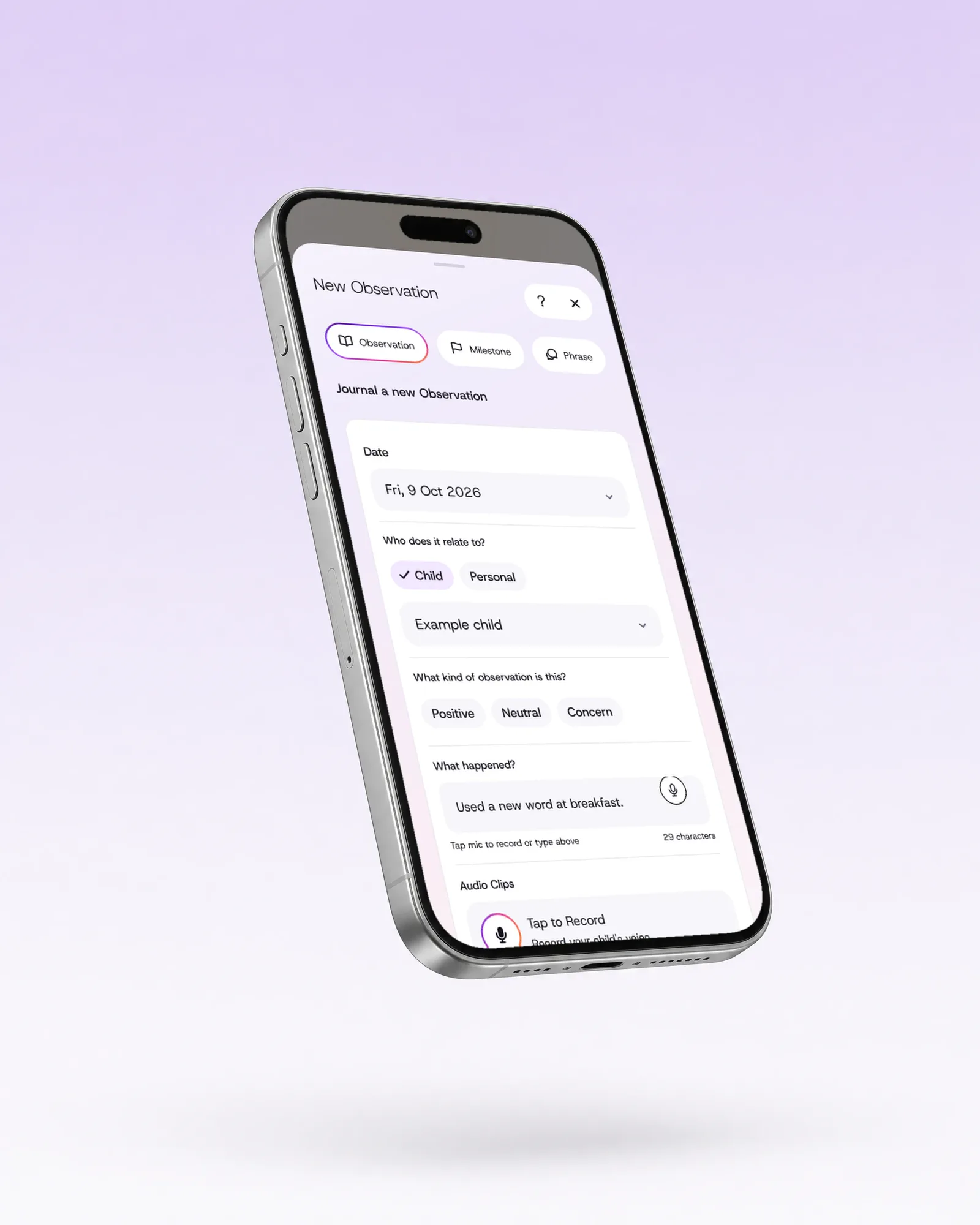
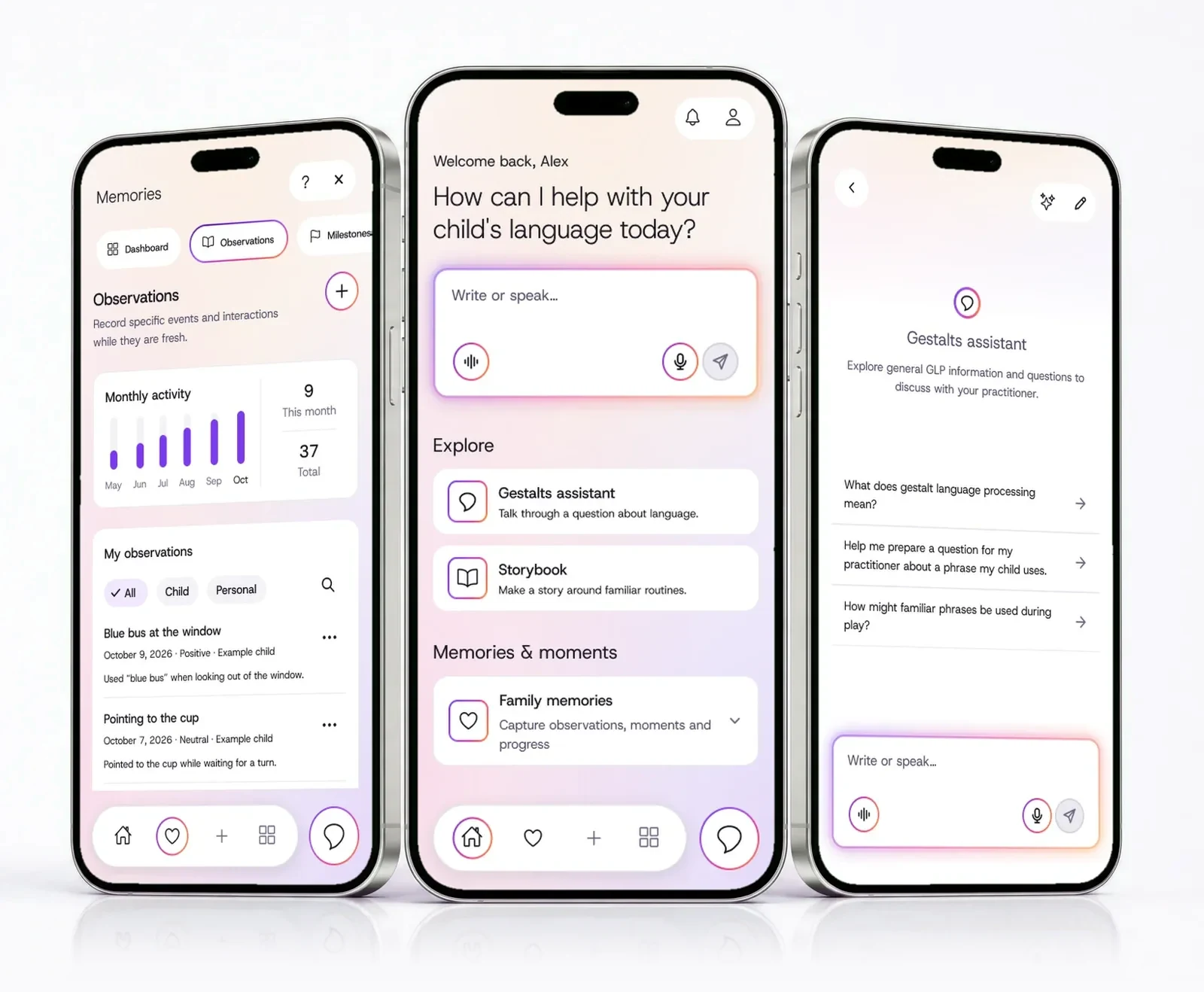
Save it while you remember it. Type or say it on the home screen, and it opens as an observation, ready to save.
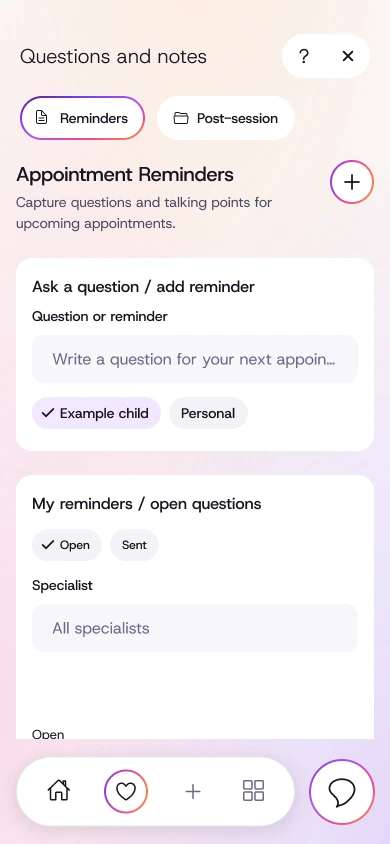
It’s easy to forget the exact words and questions. Save them in Gestalts for your next appointment with your speech pathologist.
“So, how has the week been?”
Good, I think? She said something new on Tuesday… what was it?
You hear the new phrase in the car and the quick word from the teacher at pickup. Save what your child says and bring it to your speech pathologist, whatever approach they take.
“The referral’s in. Now we wait.”
The wait can be months. Meanwhile the words, phrases and questions pile up in your head, your camera roll and three different notes apps.
Start saving now, and walk into the first appointment with real examples.
Save it while you remember it. Type or say it on the home screen, and it opens as an observation, ready to save.
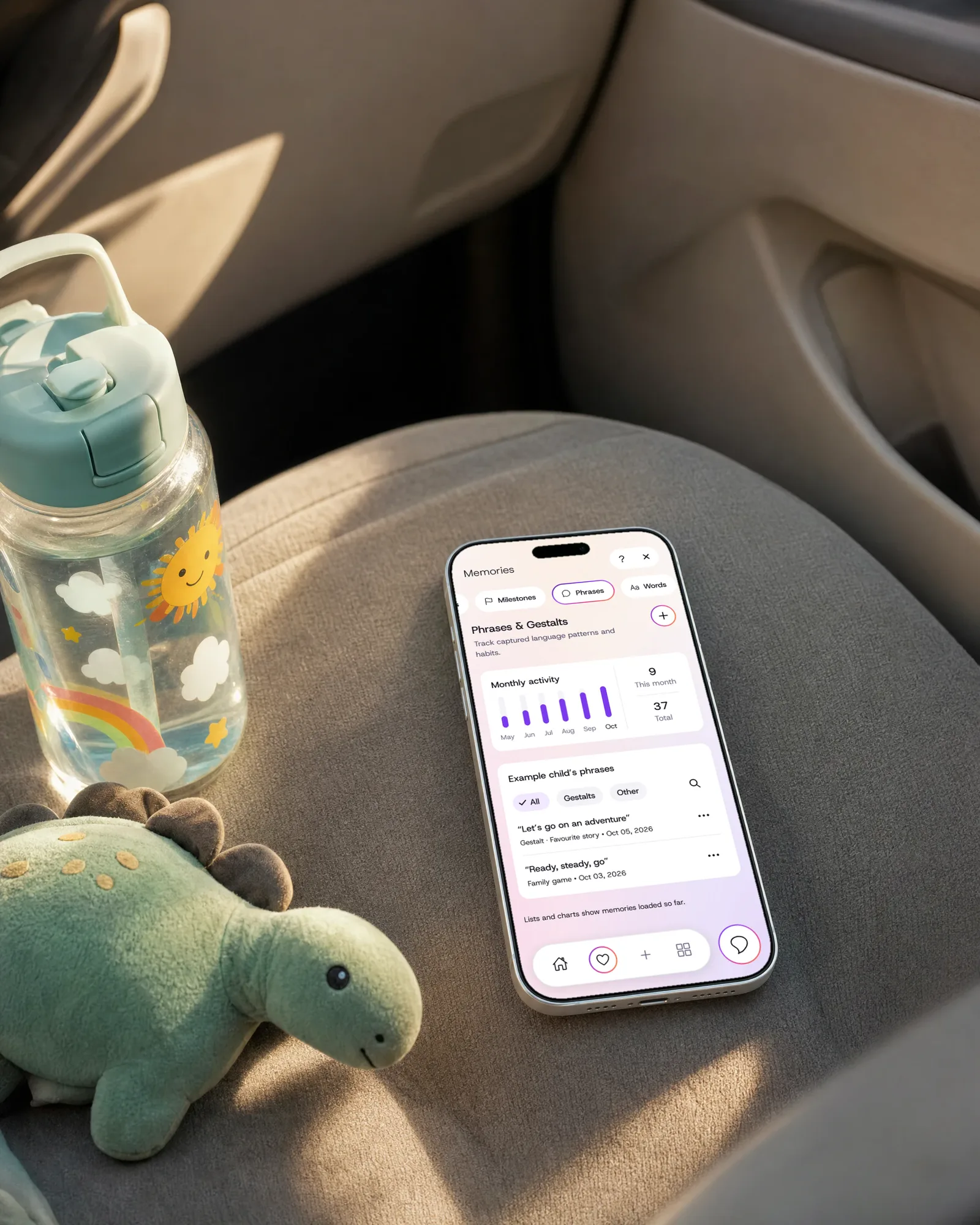
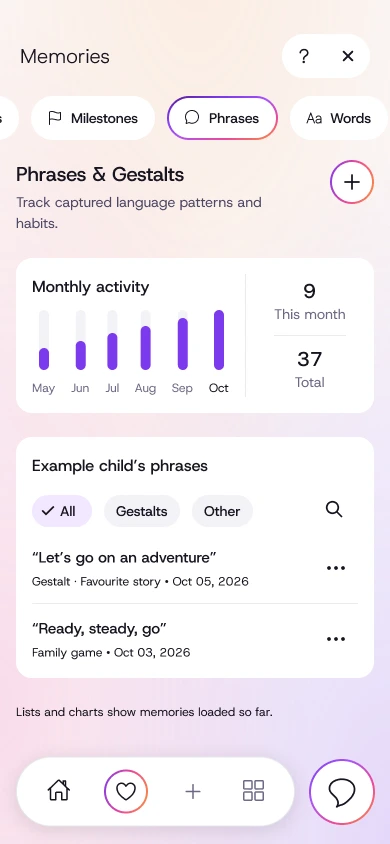
Keep the exact words. Save the phrases your child uses, word for word, with an audio clip if you like.
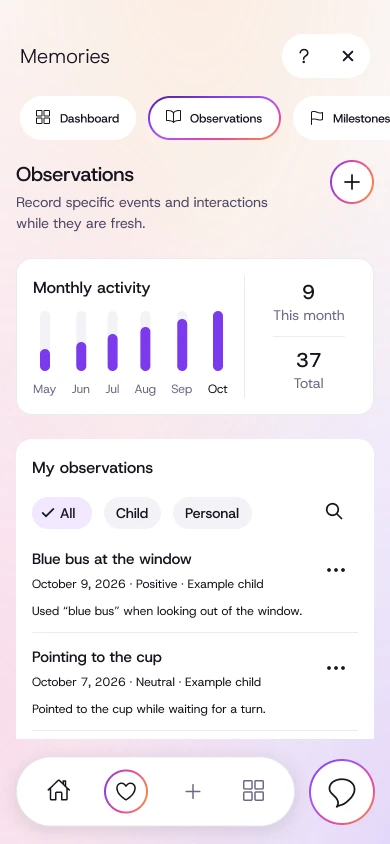
Look back by date. Observations, phrases, milestones and words are each dated, so they’re easy to find.
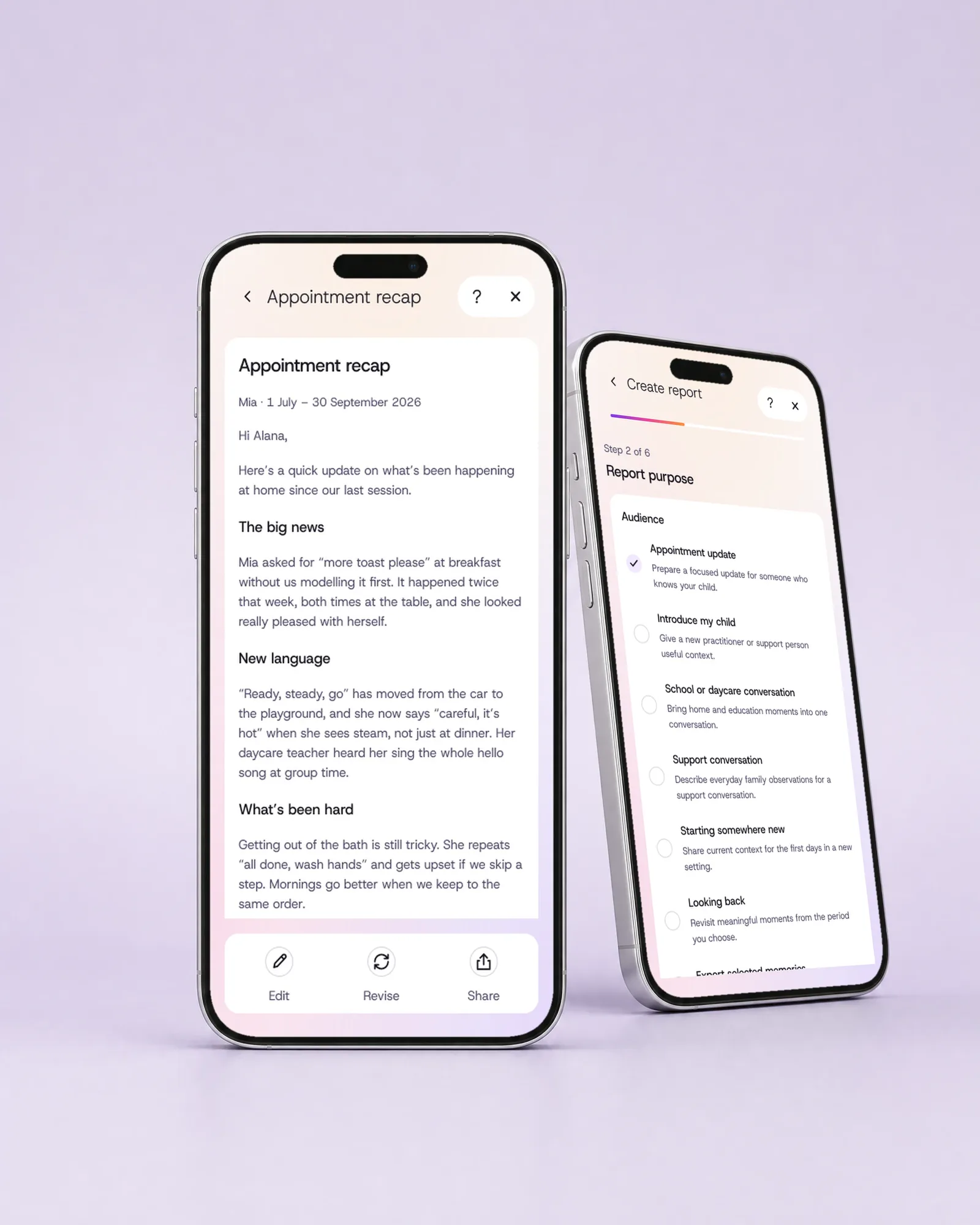
Get a summary for the appointment. Choose what the report is for and Gestalts drafts it from your notes, for you to read and edit.
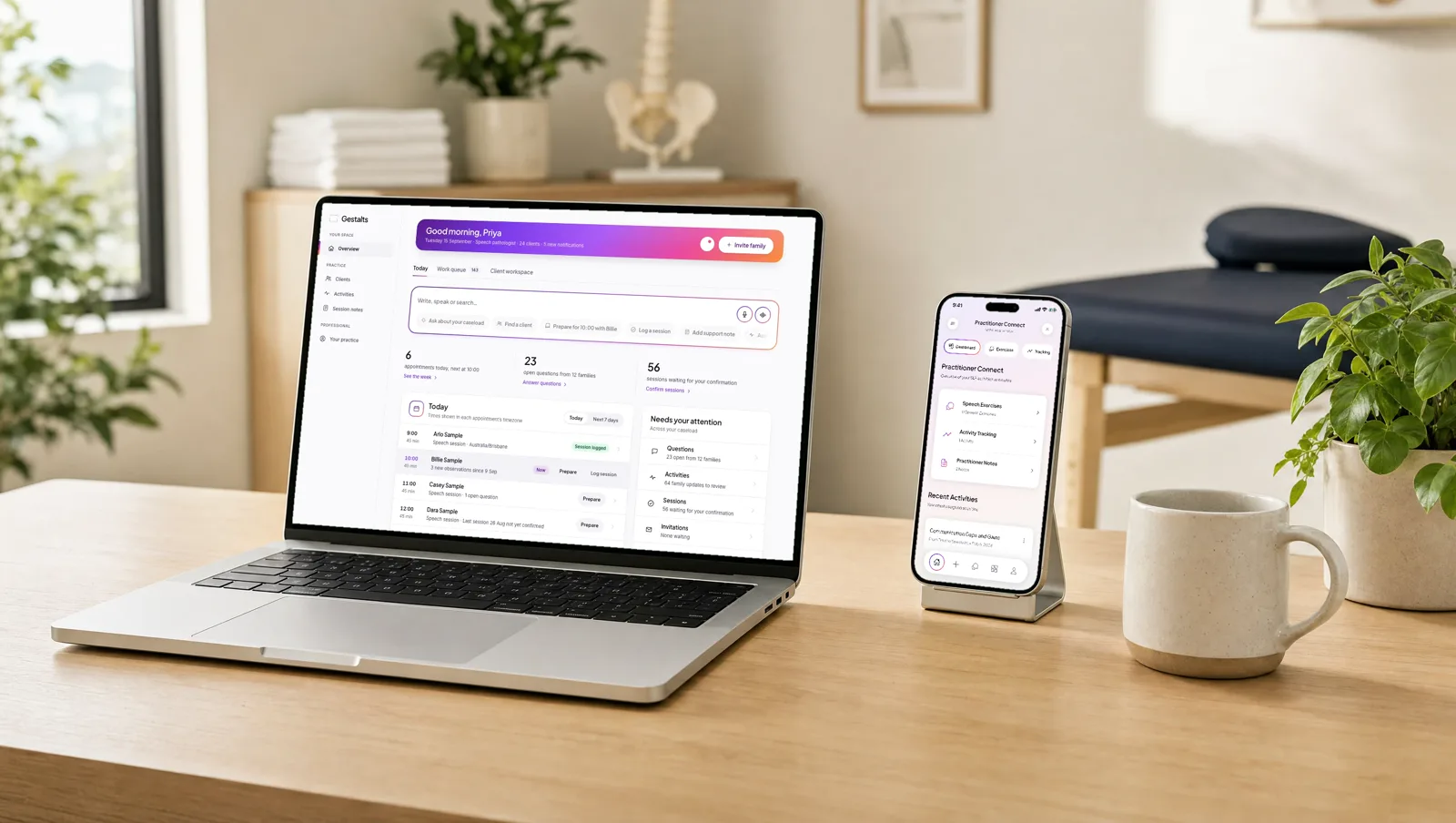
Activities from your speech pathologist. Their instructions are on your phone, and you can tell them how it went.
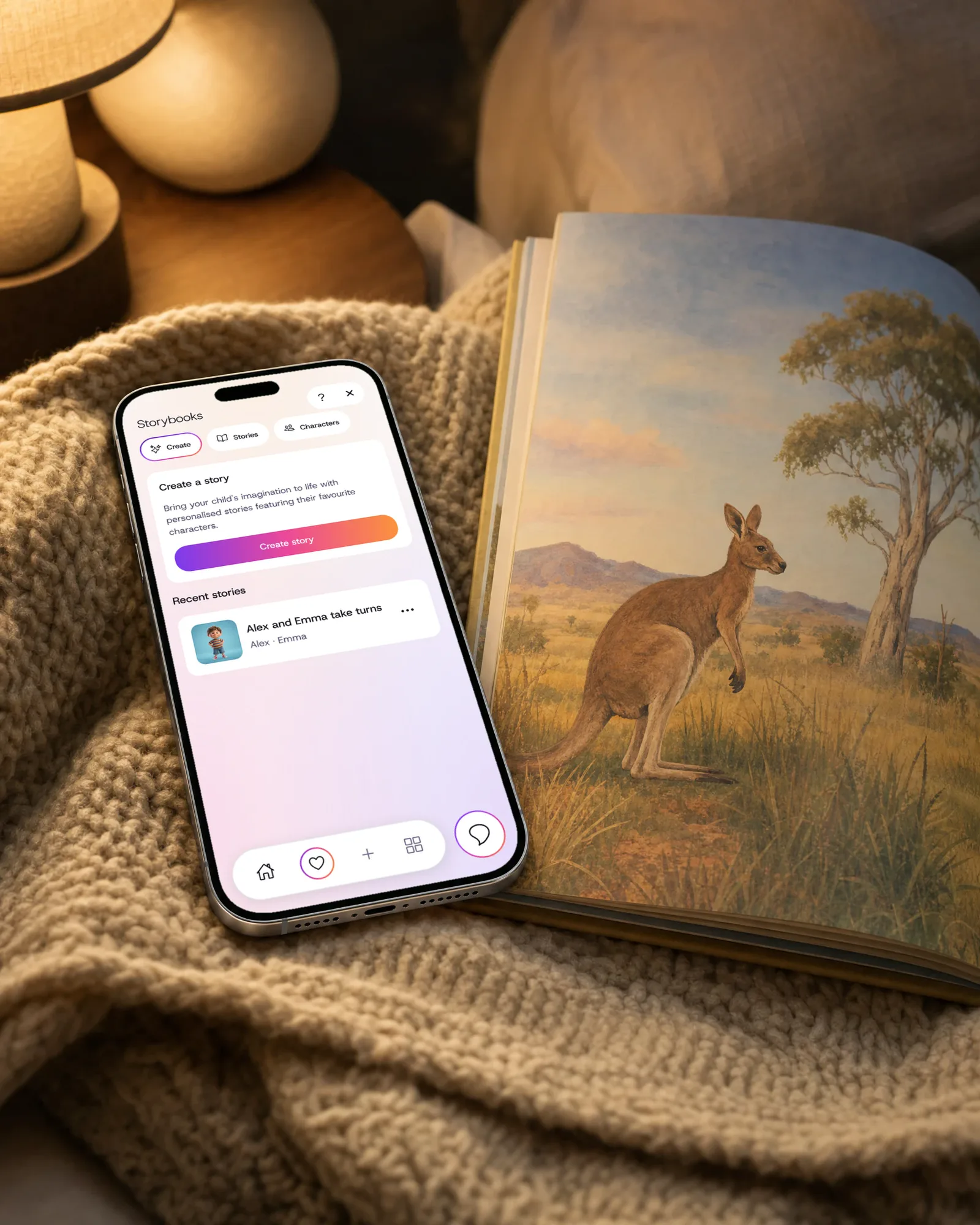
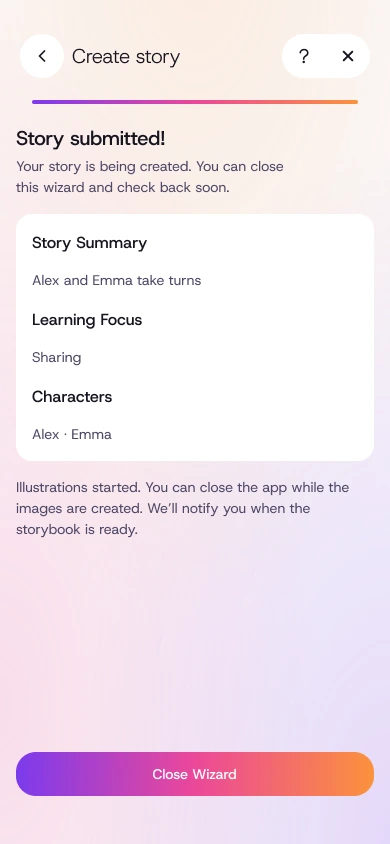
Make a story about your child. Make an illustrated story around a favourite animal, a game or a new routine.
Your child says something new at breakfast or in the car. Type it or say it the way you’d scribble a sticky note, and it opens as an observation, ready to save. If you have a moment, add a voice clip too.
Maybe a new word at breakfast or a phrase in the car, the kind of thing you’d write on a sticky note.
Use the box on the home screen. It opens as an observation, with what happened and the date already filled in.
Tap record to keep your child’s own voice with the note, so you can play it back later.
It’s saved with the date, alongside everything else you’ve saved.
Each note takes seconds, which makes it easier to keep it up.
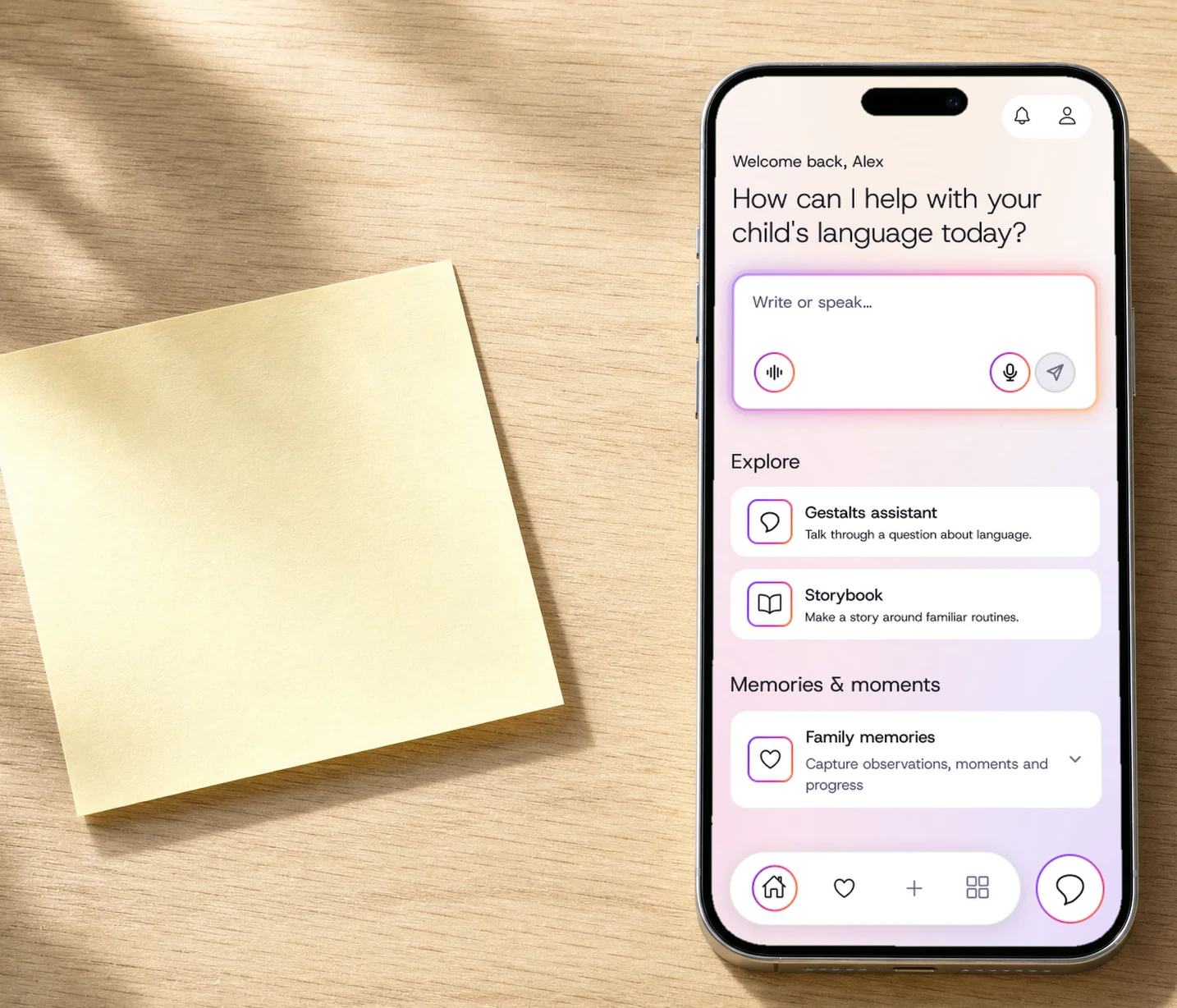
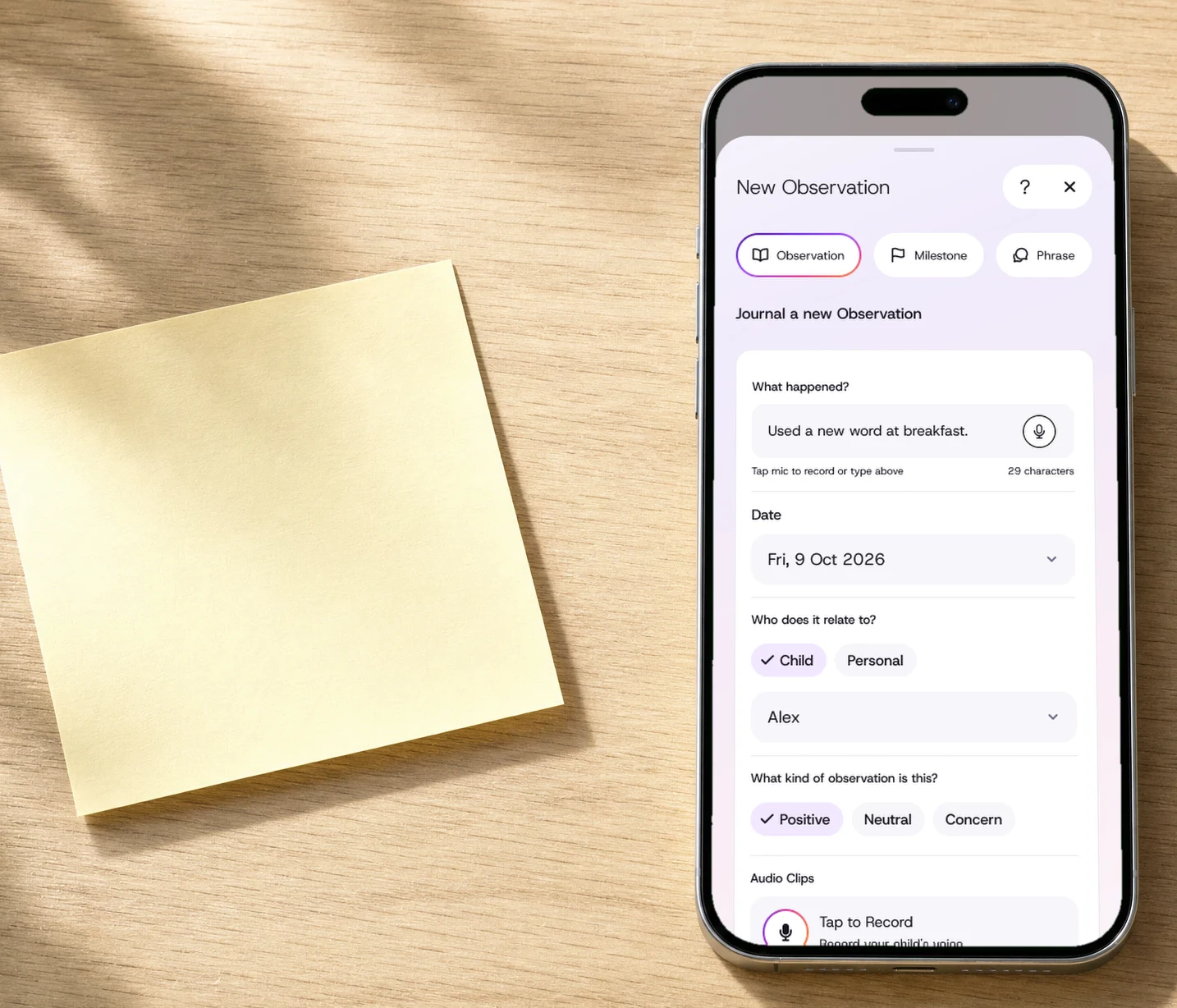
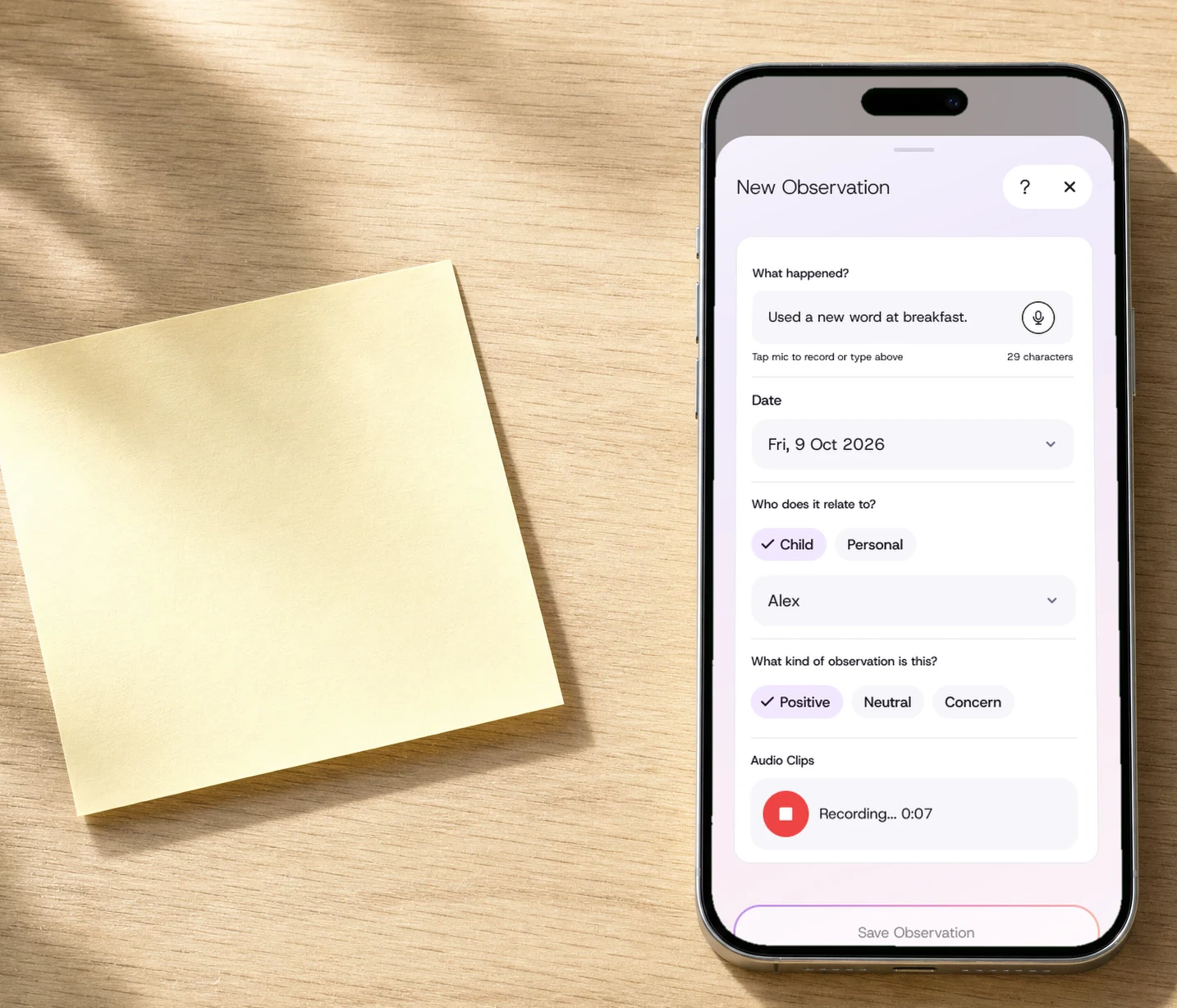
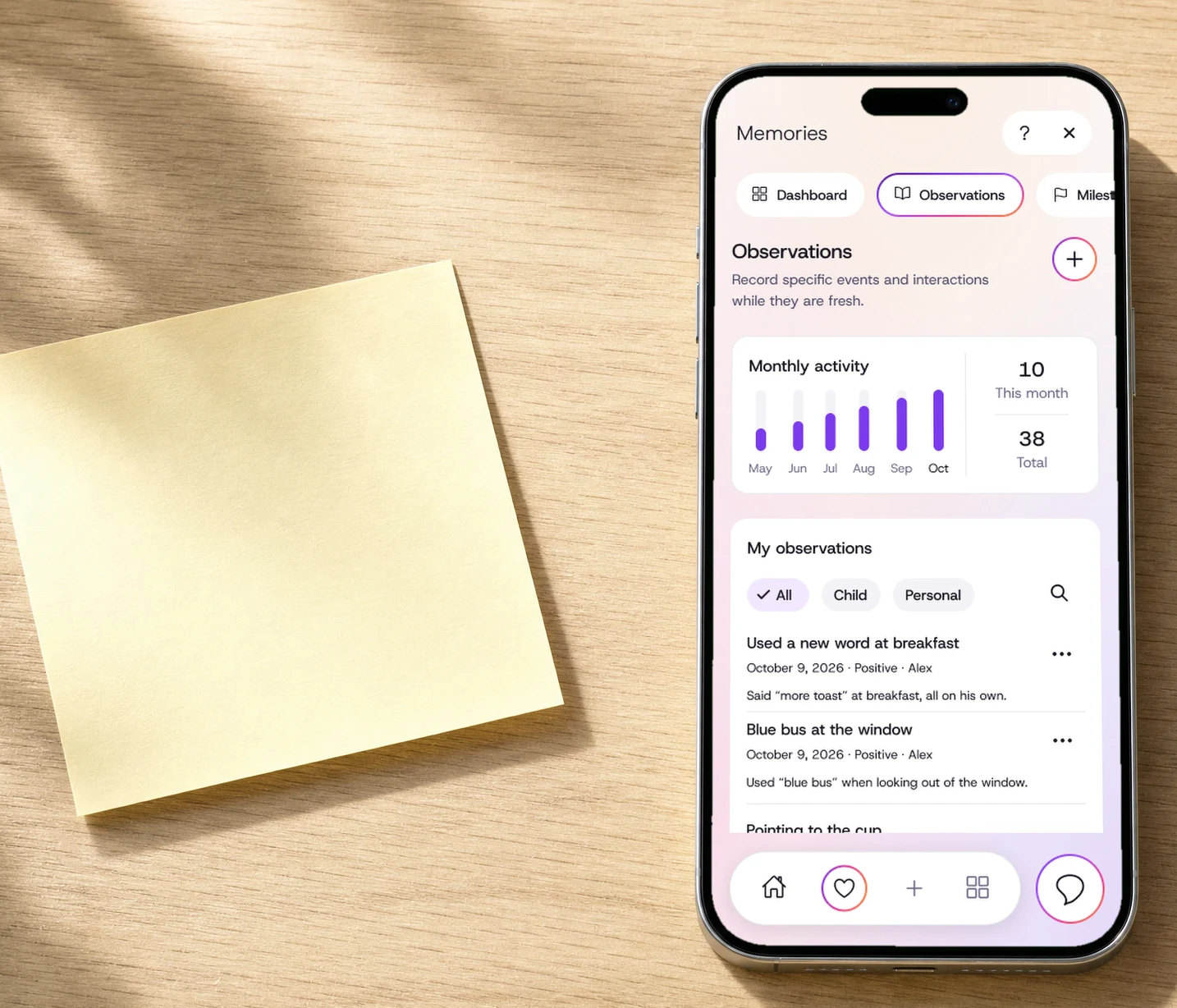
Maybe a new word at breakfast or a phrase in the car, the kind of thing you’d write on a sticky note.
Use the box on the home screen. It opens as an observation, with what happened and the date already filled in.
Tap record to keep your child’s own voice with the note, so you can play it back later.
It’s saved with the date, alongside everything else you’ve saved.
A phrase in the car, a hard morning at drop-off, the first time they said “help!”. Everything you save stays together, dated and in order, so when someone asks “how have things been?”, you can look back and give real examples.
An update for your speech pathologist is different from introducing your child to someone new. Choose who it’s for, the dates and the notes to include. Gestalts drafts a summary from your notes for you to read, edit and share when you’re ready.
For your speech pathologist, since your last visit.
Built from notes like
You read and edit every draft, and choose who sees it. Reports are included with Prepare and Connect.
The teacher mentions something at the door, or an email comes in mid-week, and the next meeting is months away. School and daycare have their own place in Gestalts, so you can find what was said when you need it.
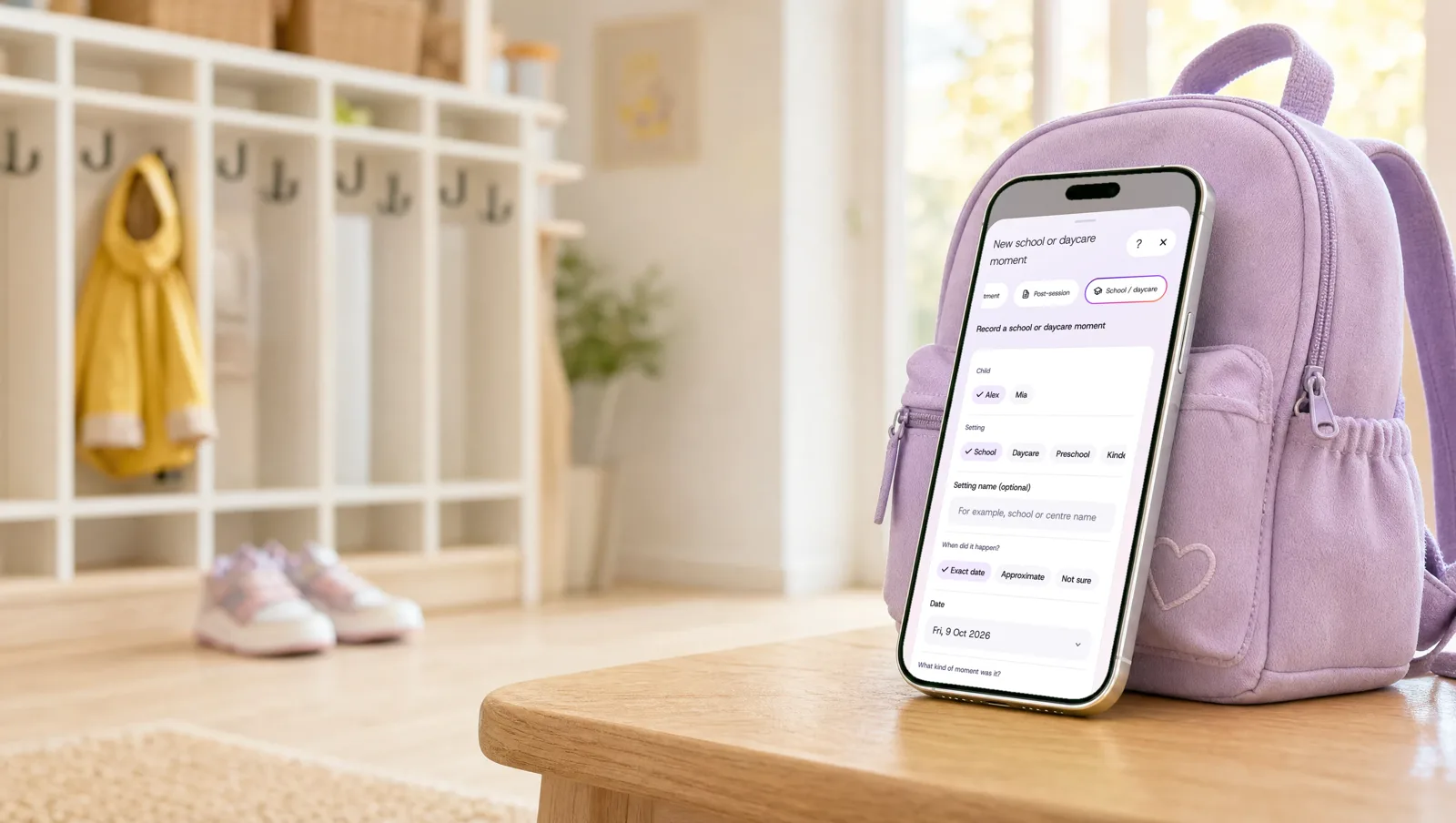
Note what happened and who mentioned it, even if you’re not sure of the exact date.
Note who you’re meeting and what you want to ask. You’ll also get a calm request to copy into your own email.
Write down what you discussed, what you agreed to try and what’s still unclear, and the next steps to come back to.
These are your own private notes. Nothing is sent to the school or daycare for you, and they’re not a school or clinical record.
If you’re still thinking about the day once everyone’s asleep, you can ask about gestalt language processing in plain words, get an idea for a game you already play, or get help wording a question for your speech pathologist.
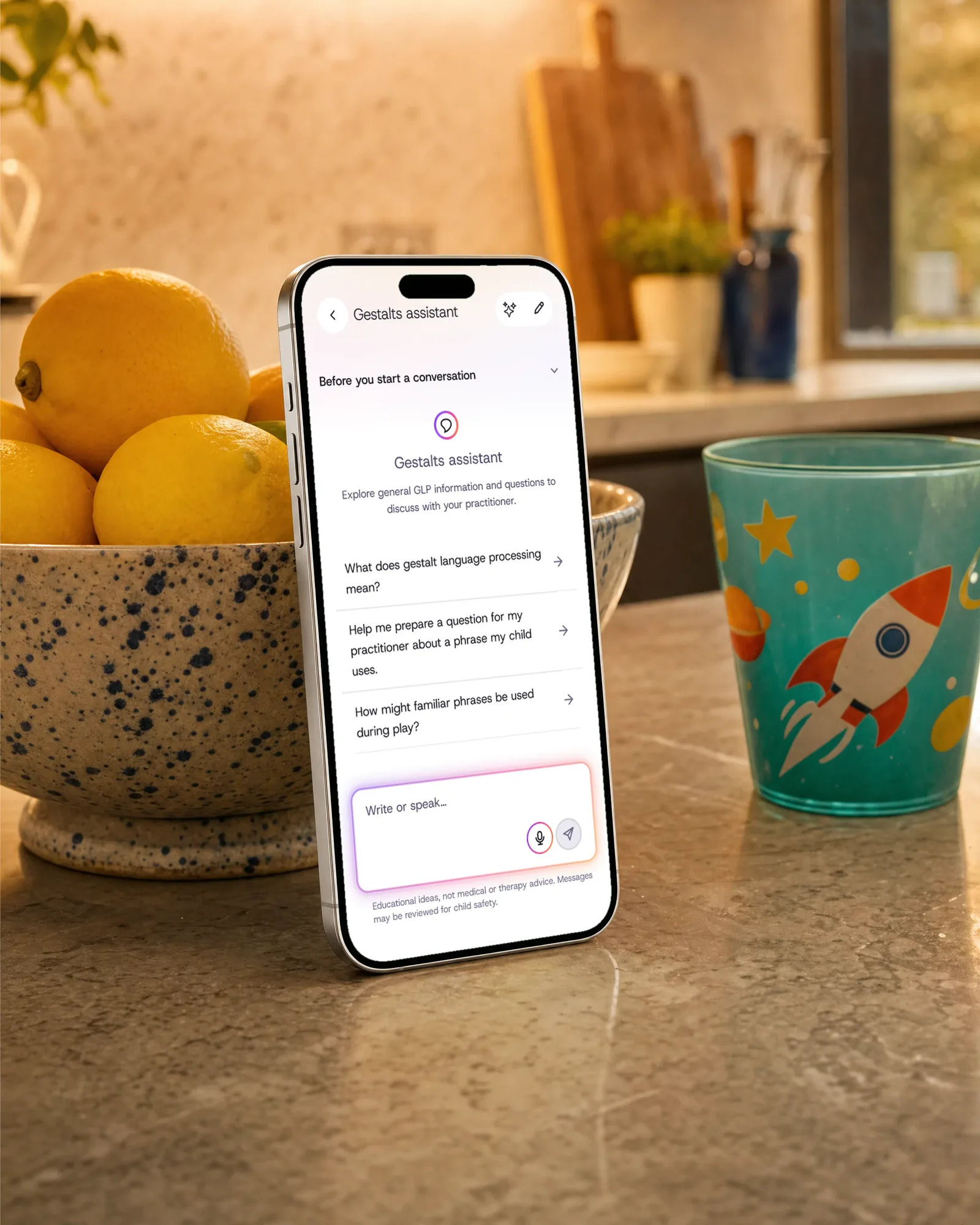
It gives general information about gestalt language processing and natural language acquisition, without the jargon.
It might suggest saving a moment or a question for your next appointment. Nothing is saved until you say so.
It doesn’t assess your child or give clinical advice. Questions about your own child are for your speech pathologist.
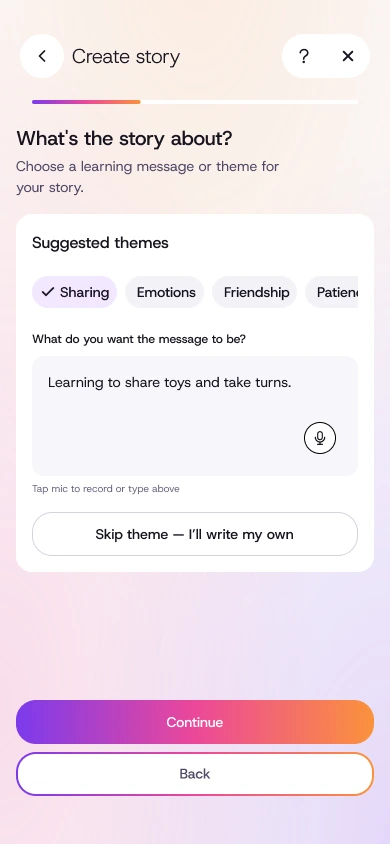
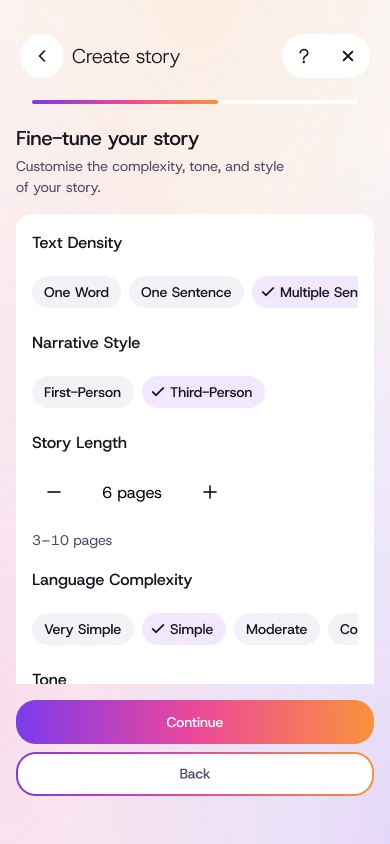
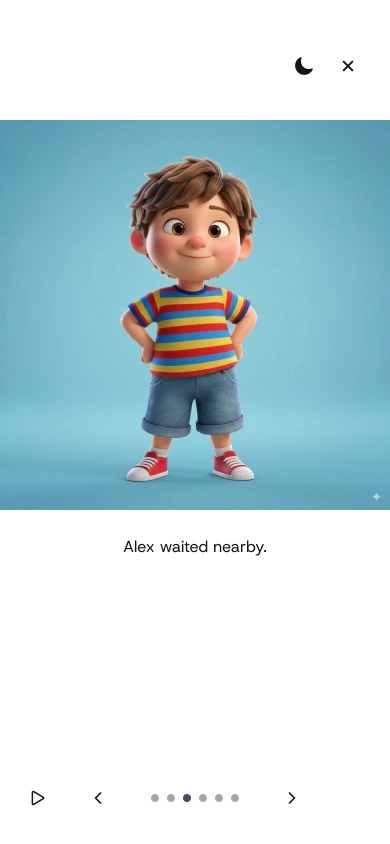
Choose your child as the main character and make an illustrated story to read together, about anything from their favourite animal to their first day at school.
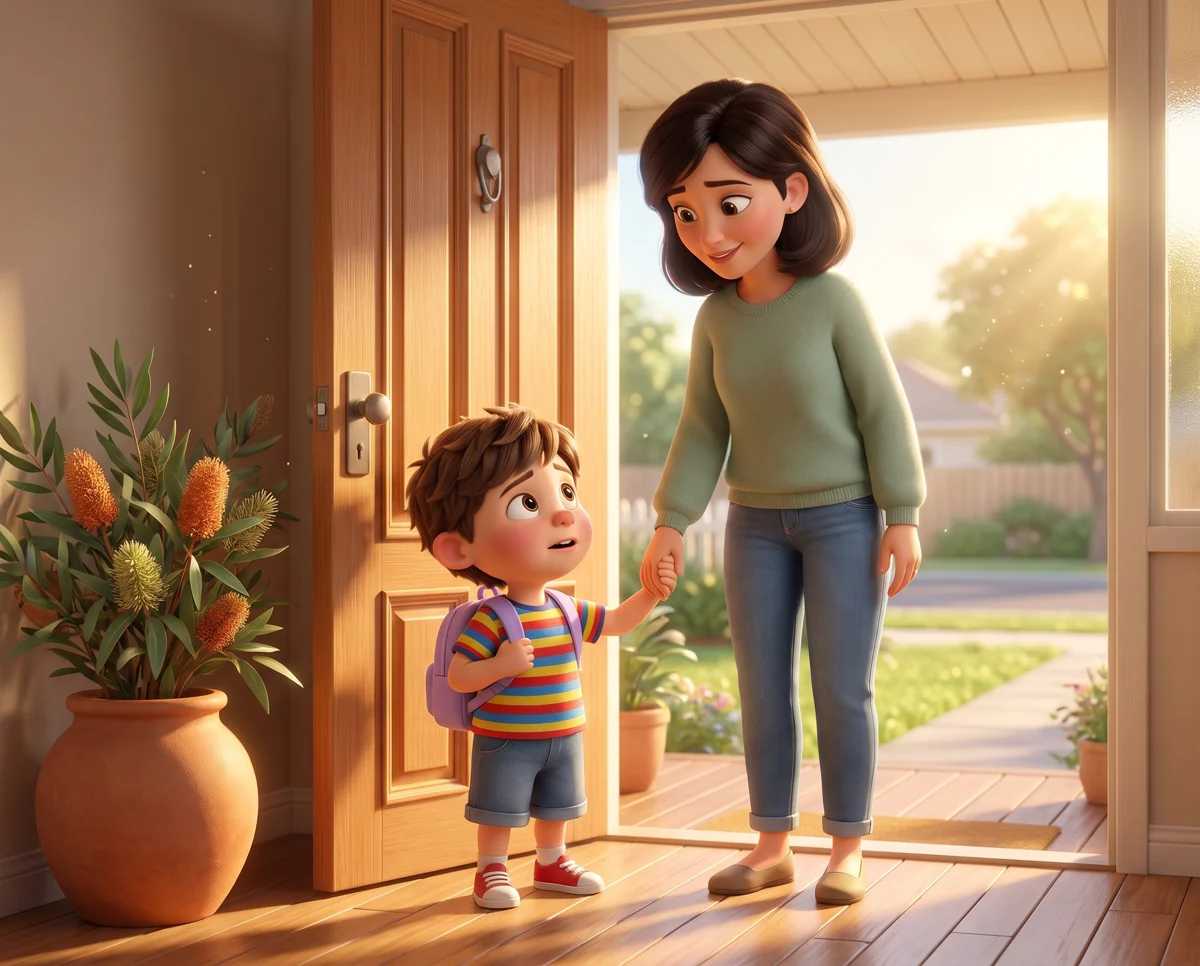

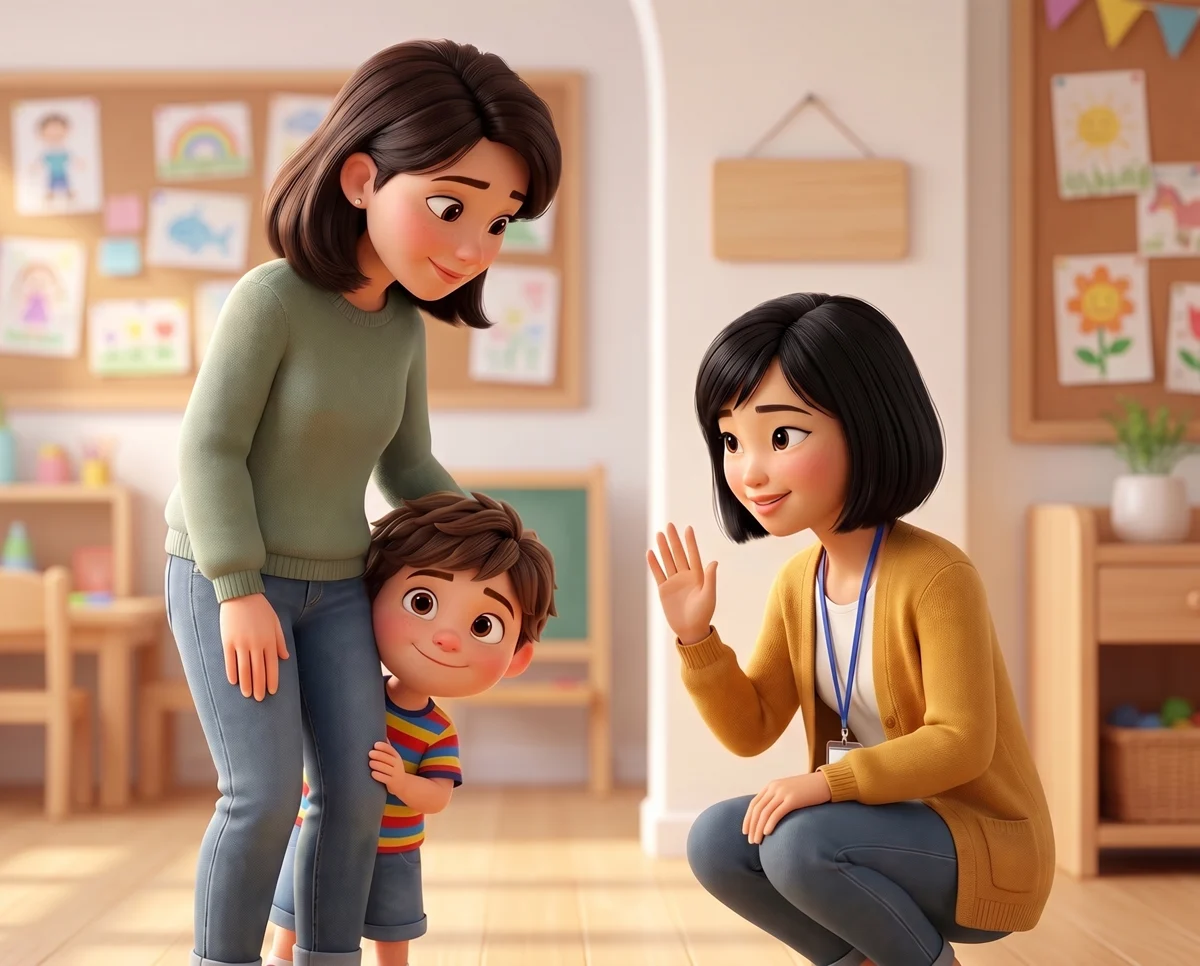
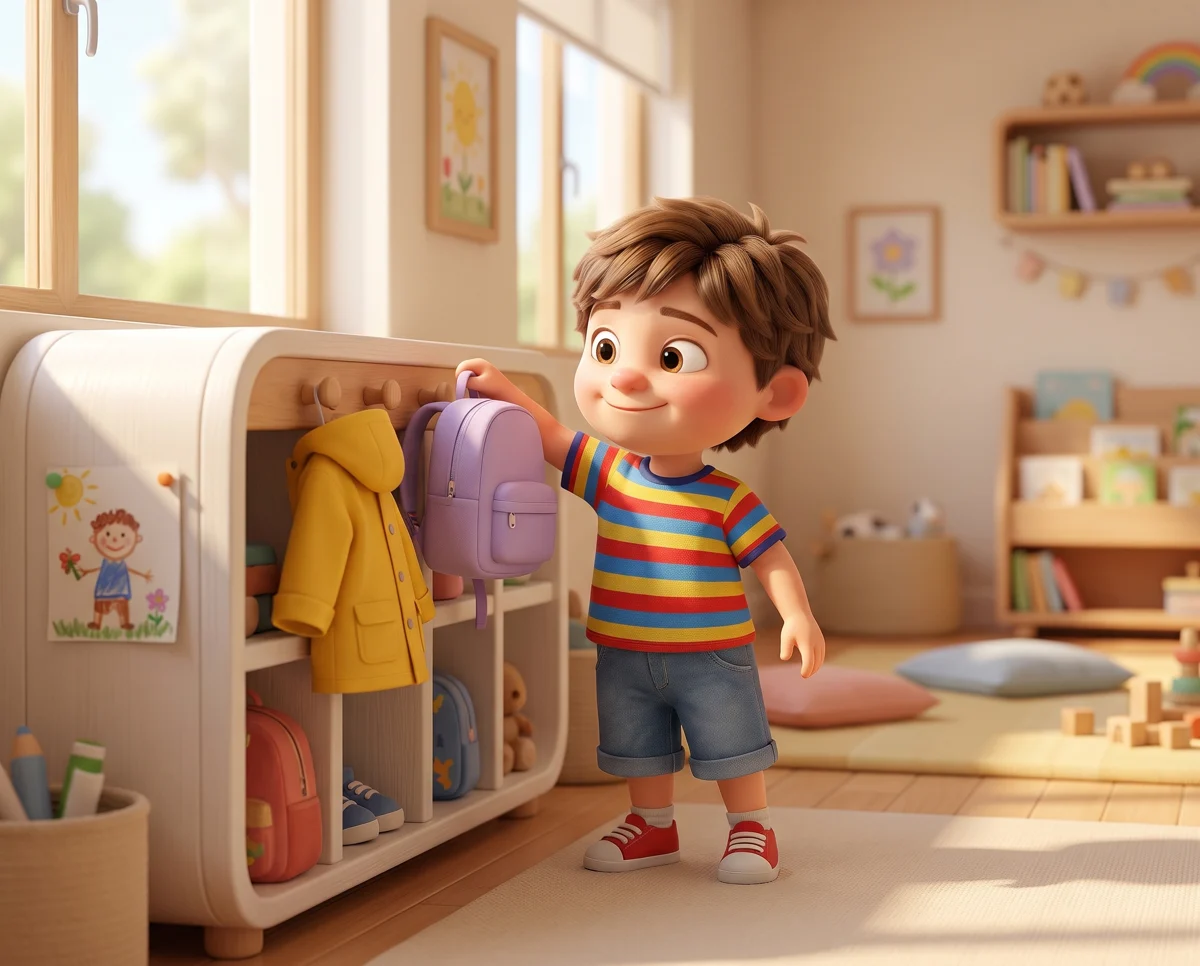
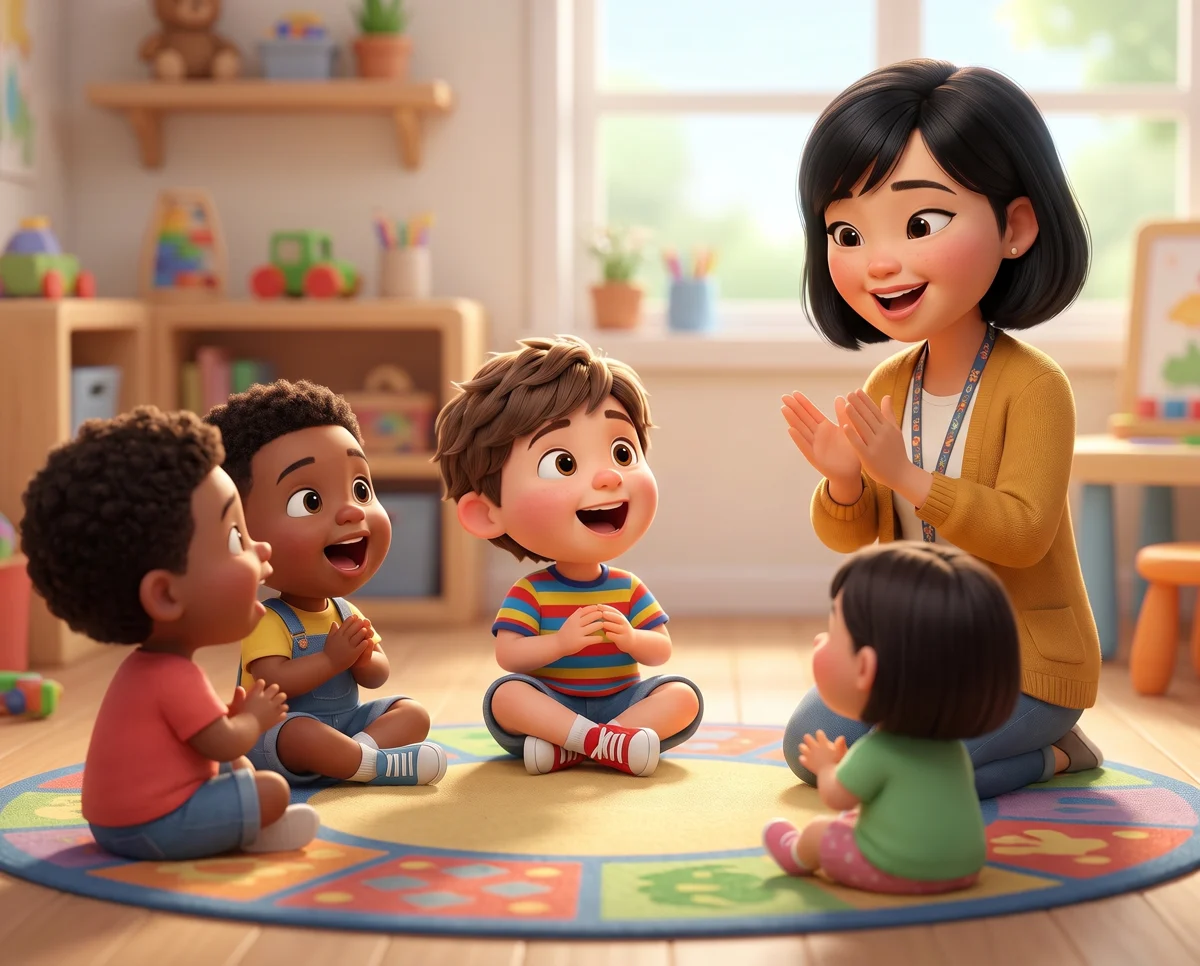
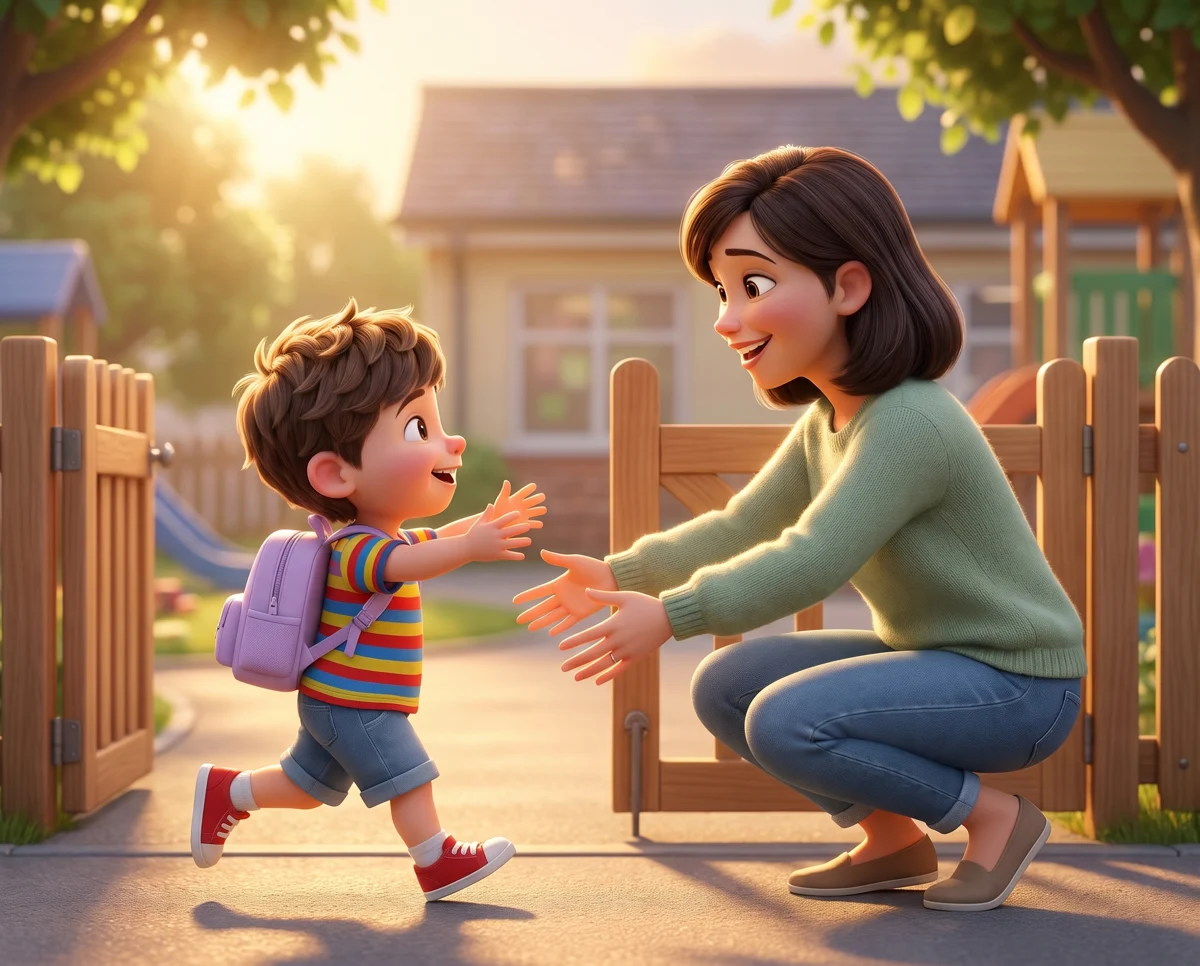
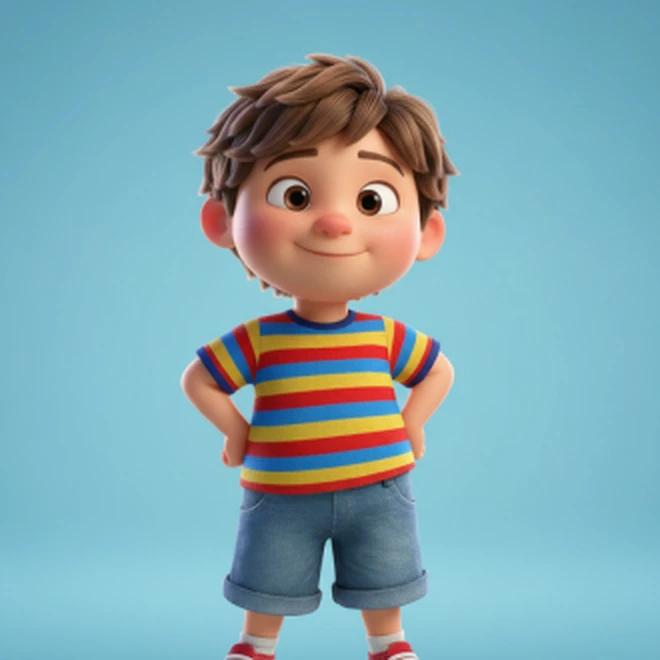
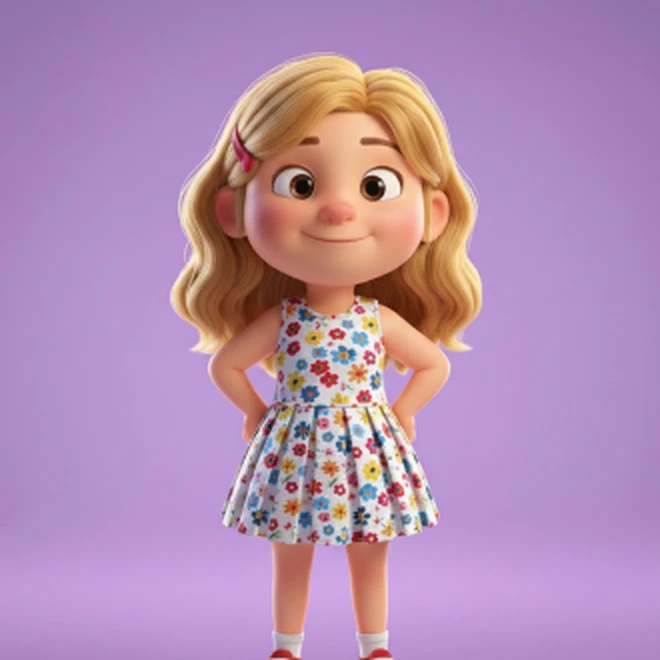
Make characters for your child, their brothers and sisters, friends or grandparents. Then you can put them in any story, and they’ll look the same each time.
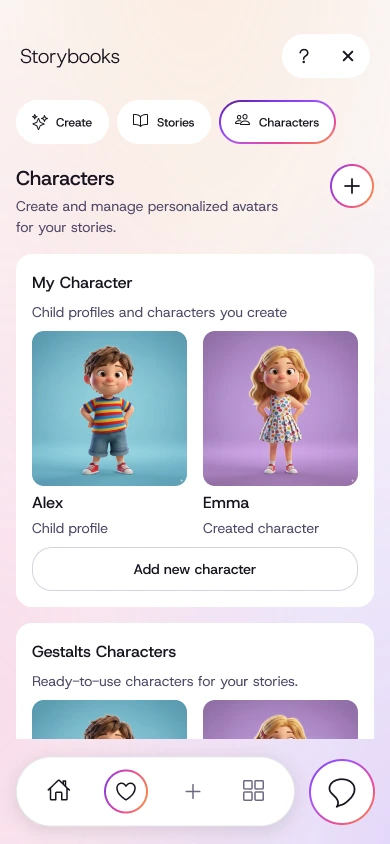
Story illustrations were made for this page in the Storybook style. Characters and screens show current designs.
When you connect, your speech pathologist can send an activity or tracking sheet from their portal, with their own instructions. It appears in your app. Add an entry each time you try it, and they can review it before your next visit.
They write an activity or a tracking sheet, with their own questions and instructions.
The instructions are there whenever you need them.
Each time you try it, add the date and the details they asked for.
Submitted entries are available to authorised practitioners.
You choose what they see. Connect when you’re ready, choose what to share and change it any time.
For speech pathologistsWhen daycare, school or grandparents notice something too, they can add it, with your say-so.
If a form asks for examples, look back at your own dated notes.
Make a note private, or change or remove someone’s access.
Save words and questions from the day the referral goes in.
The best advice I got from another parent was, “Write everything down.” We tried reminders and a sheet on the fridge. They helped for a while, but we struggled to keep it up. This is the app I built to help me do it.
Gestalts is an app for parents supporting a child’s speech and communication. Save words, phrases, everyday observations and questions in one place, then choose what you want to bring to a conversation with a speech pathologist.
Yes. You can save notes and questions while waiting for an appointment, before meeting a speech pathologist for the first time, or between visits. You do not need to connect with a practitioner to start saving notes.
No. Gestalts is a family tool for notes, saved moments and appointment preparation. It is not a health or clinical record, and it should not be used for emergencies or treatment decisions. Formal clinical records stay with the practitioner.
No. Gestalts helps families organise what they notice and prepare for conversations. Assessment, diagnosis, clinical interpretation and therapy decisions belong with qualified professionals.
No. Gestalts began with one family’s experience of gestalt language processing, and some educational tools are GLP-specific. The core tools for saving notes, preparing questions and choosing what to share can be useful for many families working on speech and communication.
In the mobile app, Starter includes saving notes and a text export of selected memories without AI rewriting. Starter web accounts have Profile and Billing; the Portal’s family tools require Prepare or Connect. AI-assisted summaries and reports are included with Prepare and Connect. Practitioner connections and connected sharing require Connect. See the pricing page for current AUD prices and tool limits.
For Memories, you decide whether to connect and which types of notes a practitioner can see. New notes can follow those sharing settings. You can make individual notes private and change or remove access. When you submit an entry for a practitioner’s activity, authorised practitioners can review it. Activities and practical notes require a connection and the relevant permissions.
Companion offers general GLP information and play ideas, with suggestions you can review and choose to save. It does not assess your child or provide clinical advice. Reports are AI-assisted drafts of your notes to check and edit, not clinical assessments. Storybook is a parent-led creative activity to make and read together, not therapy. Your speech pathologist guides your child’s clinical support.
Save a word your child used or a question for your speech pathologist. You can come back to it when it’s time to talk.
Start free