Better information from home, before every session.
Parents know their child’s history and see the weeks between appointments. Gestalts makes it simple for them to save what their child says and does, and share it with you with their questions. Send activities back to their phone.
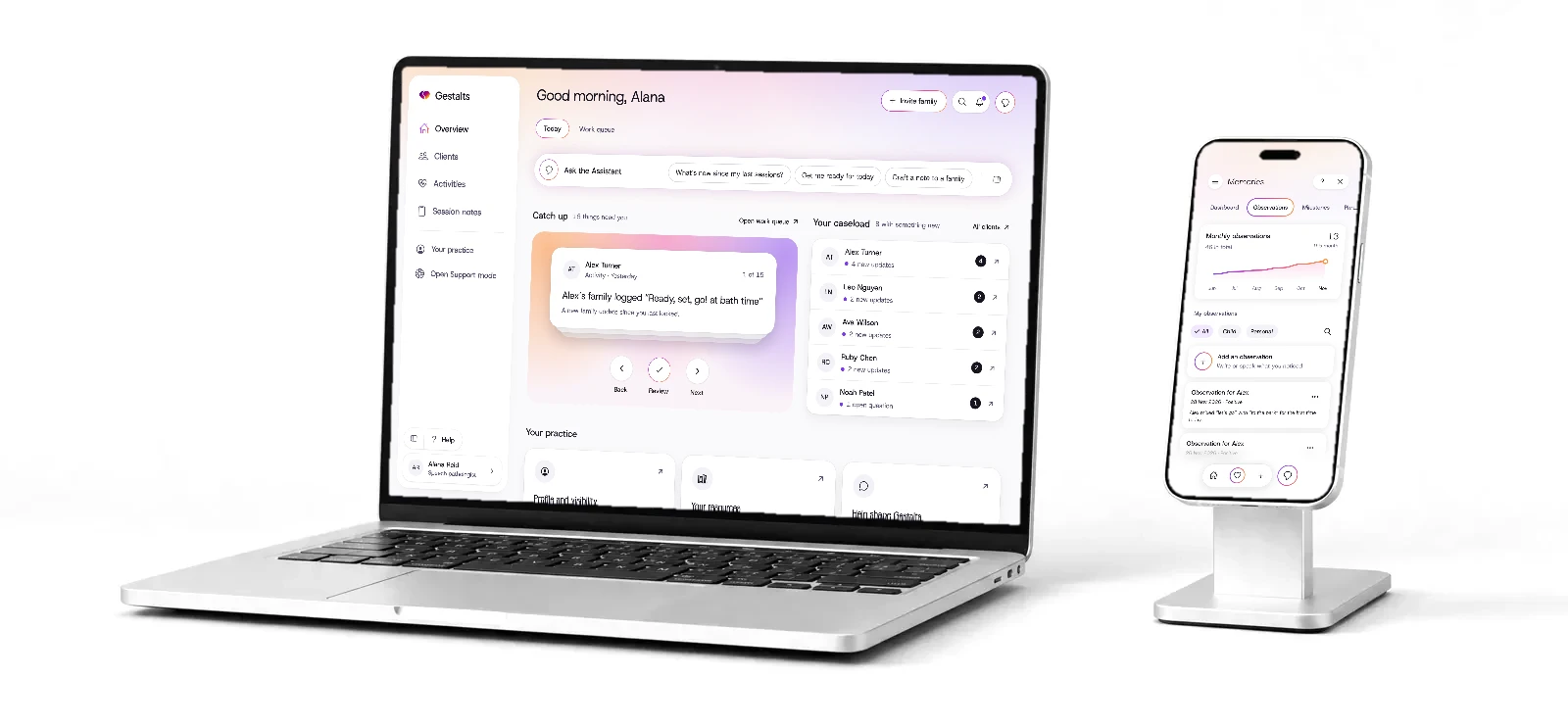
Sessions often start with catching up.
Parents often can’t remember exactly what their child said during the week, how the activity went or what they meant to ask. The home program sheet is on the fridge, and how it went comes back as one sentence a fortnight later.
Catch up before the family arrives.
Your Overview lists what’s new across your families since you last looked: activity entries, questions they want to ask, sessions to confirm and invitations waiting. Go through them one at a time, or open a family from your caseload.
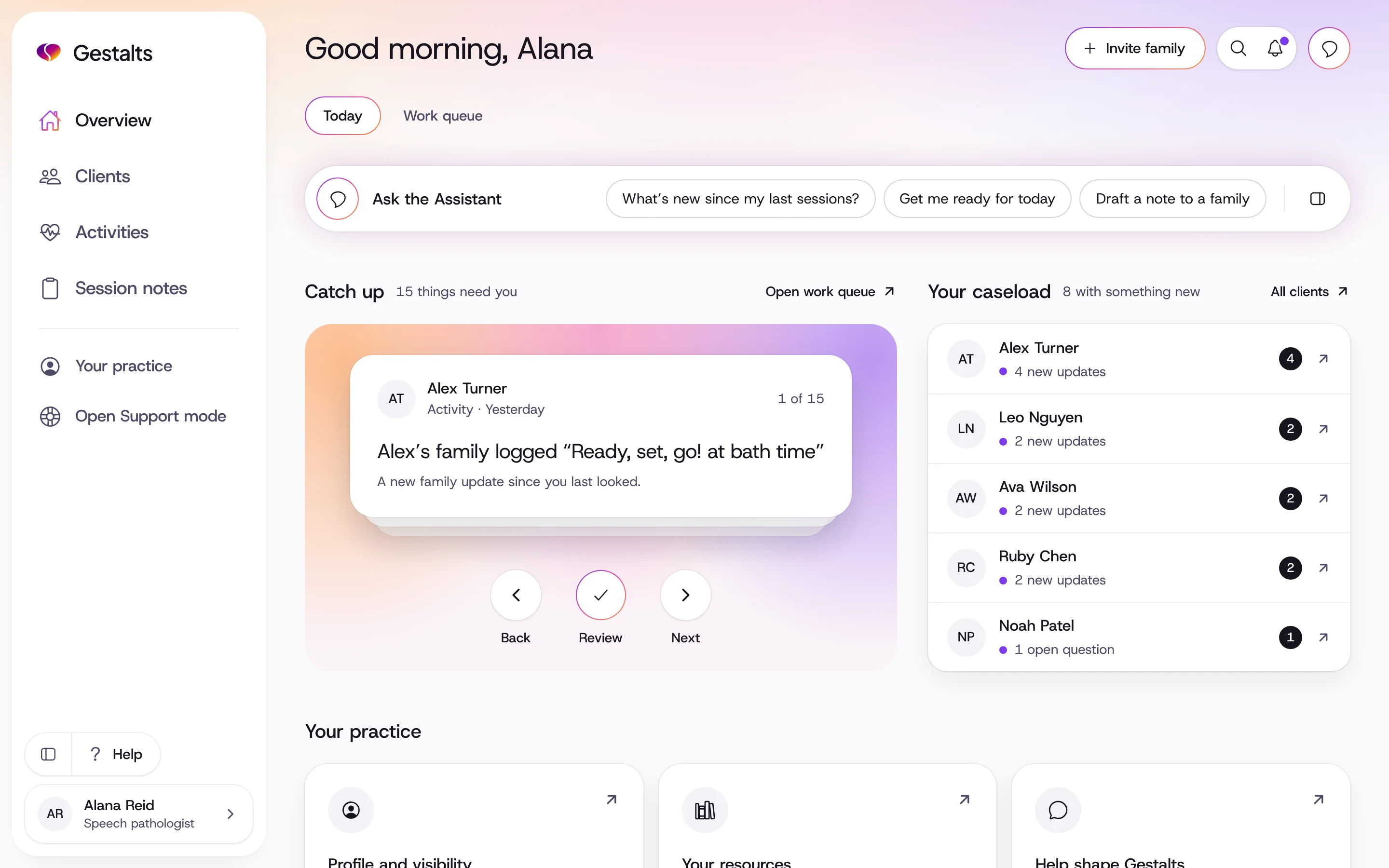
Sample families. Screens are current Gestalts designs.
Read what the family chose to share.
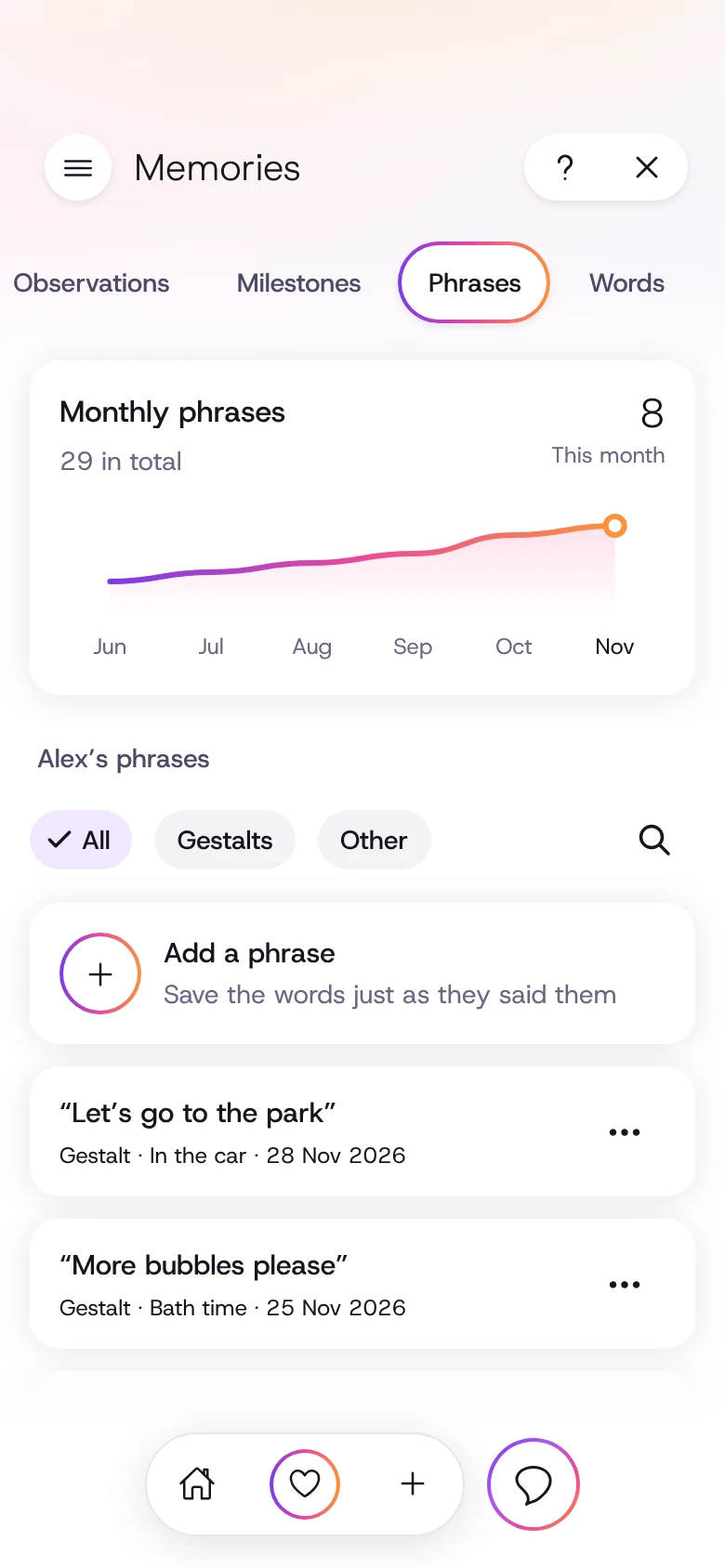
Open a child’s profile to see observations, exact phrases and the questions the family wants to ask, dated and in their own words. You only see what they’ve chosen to share with you.
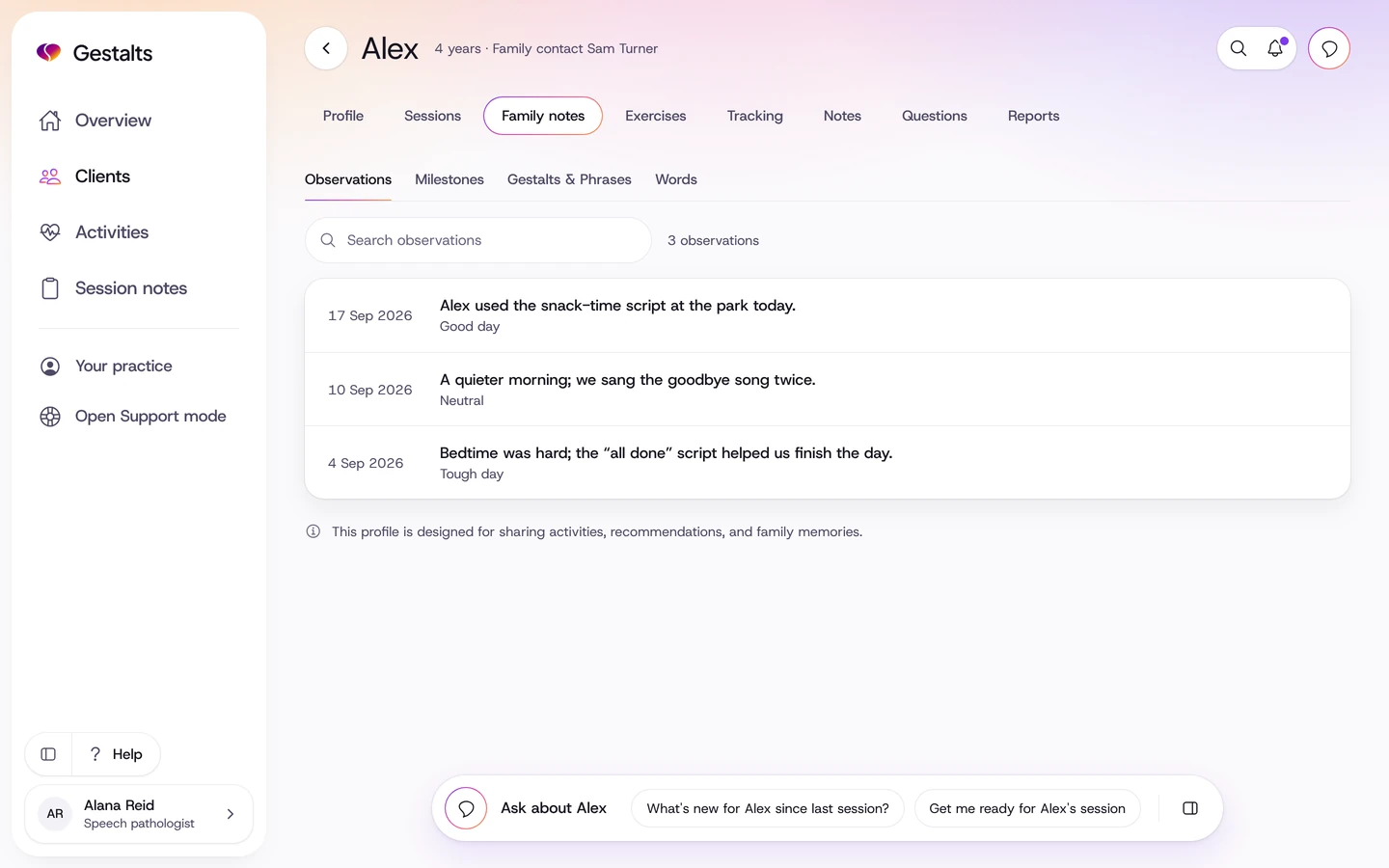
Observations
Notes from home, daycare or the car, with the date it happened.
Phrases and words
What the child said, saved word for word.
Questions
What the family wants to ask you, saved when they thought of it.
You can reply with a practical, non-clinical note. It goes to the family, and to their support circle if the family allows it.
Screens are current Gestalts designs.
Send activities to their phone and see how they went.
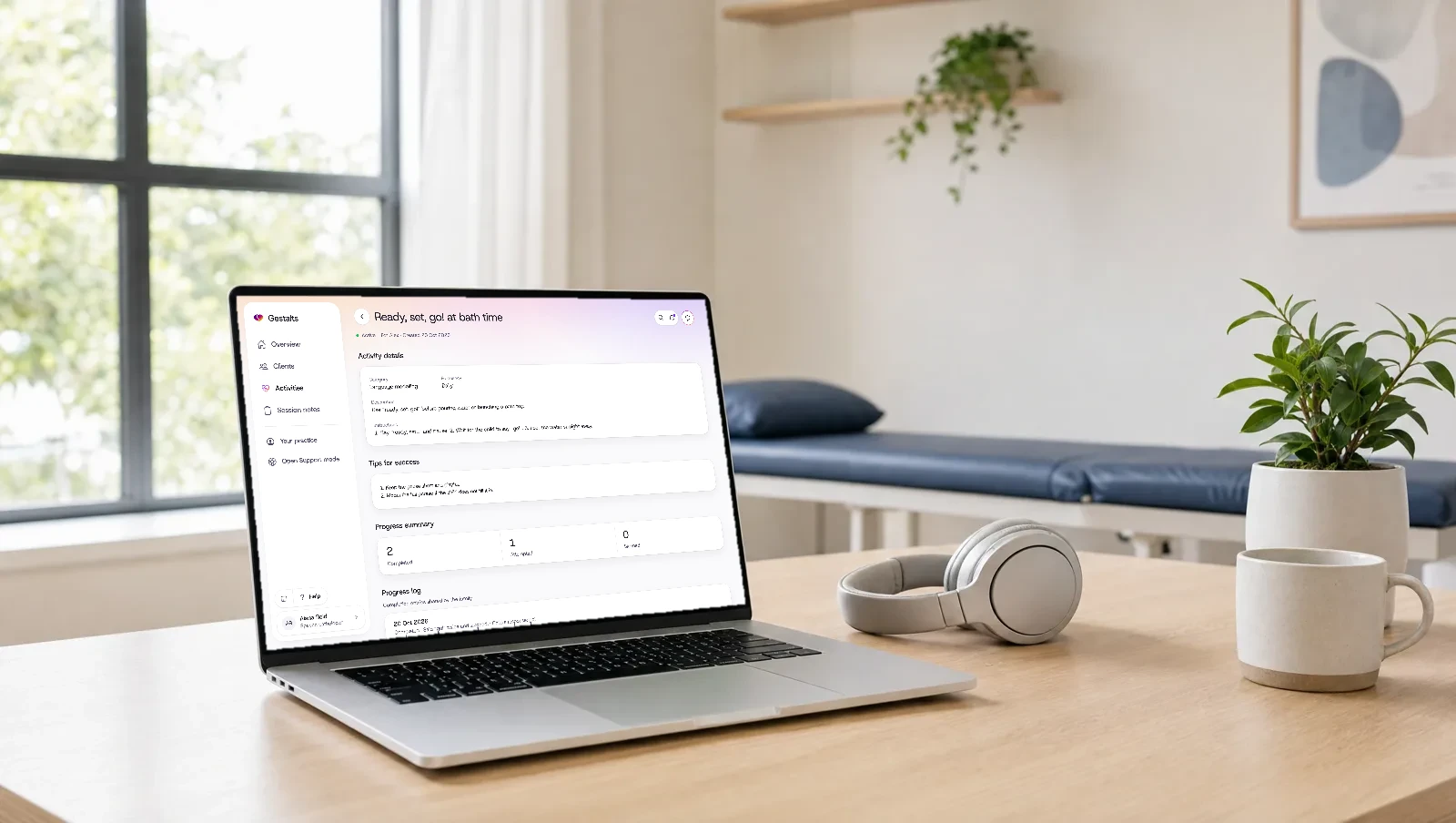
Create an activity or a tracking sheet with your own instructions, or start from a template you’ve saved. It appears in the family’s app. They add an entry each time they try it, and you can review it before you next see them.
 On their phone
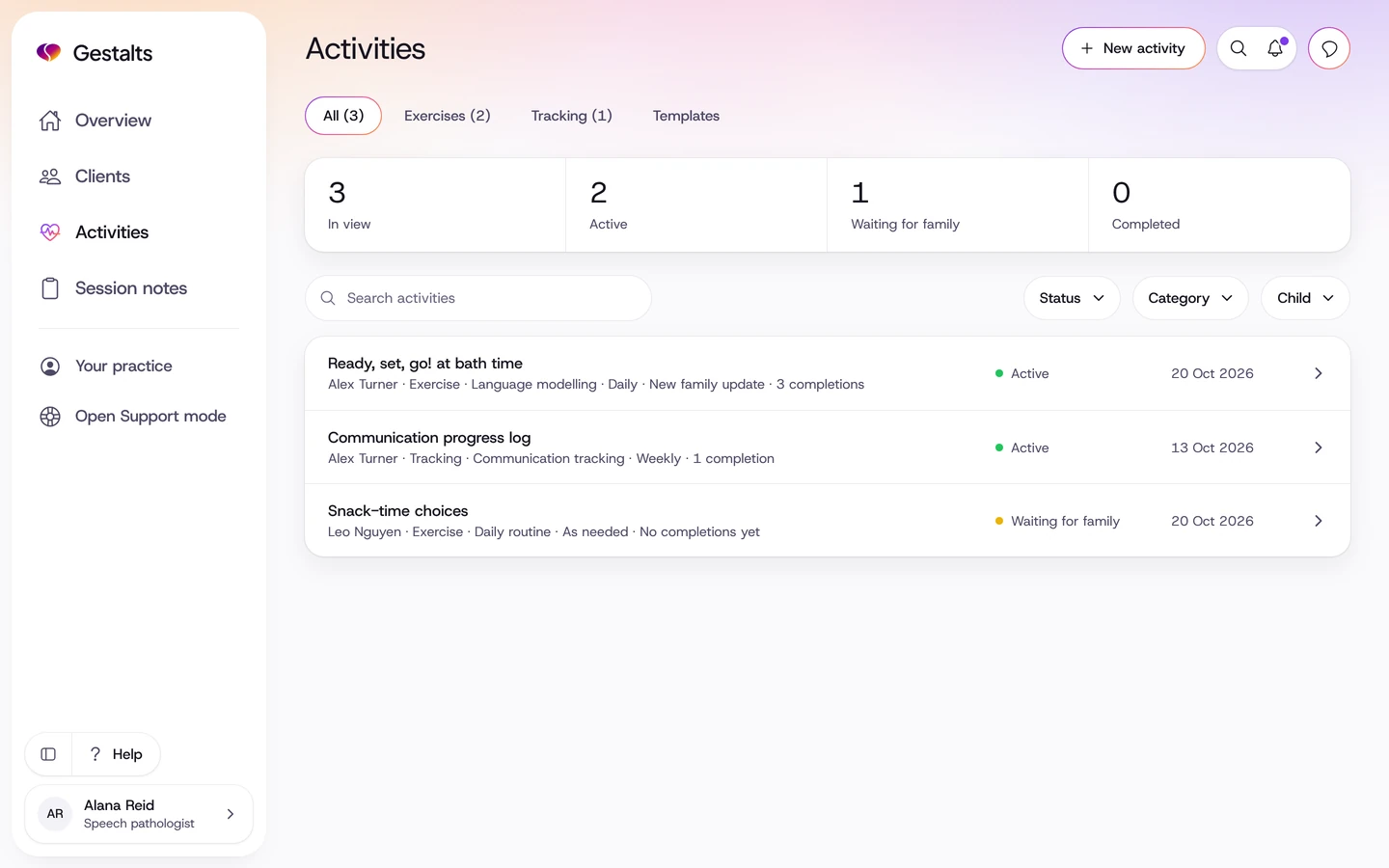
- Your portal
You create it
Write an activity or tracking sheet for one family or several.
- Their app
They accept it
Your instructions are on their phone whenever they need them.
- Their app
They add entries
Each time they try it, they add the date and the details you asked for.
- Your portal
You review them
You can read their entries before the next session.
Screens are current Gestalts designs.
For families you see by telehealth
Some families see you by video, often because they live in rural or remote Australia or can’t make it in. They save moments at home and share them with you before the call. They do the activity you send at home, and their entries come back to you.
- 01 · At homeThey save what happened.
A phrase at the kitchen table or a moment out in the paddock, dated and in their own words.
- 02 · Before the callYou read what they shared.
Open what the family chose to share and read about their week before the call starts.
- 03 · After the callYou send an activity.
Your instructions go to their phone, so they’re easy to find when the family is ready to try it.
- 04 · Next timeTheir entries come back to you.
Each time they try it, they add an entry for you to review before the next call.
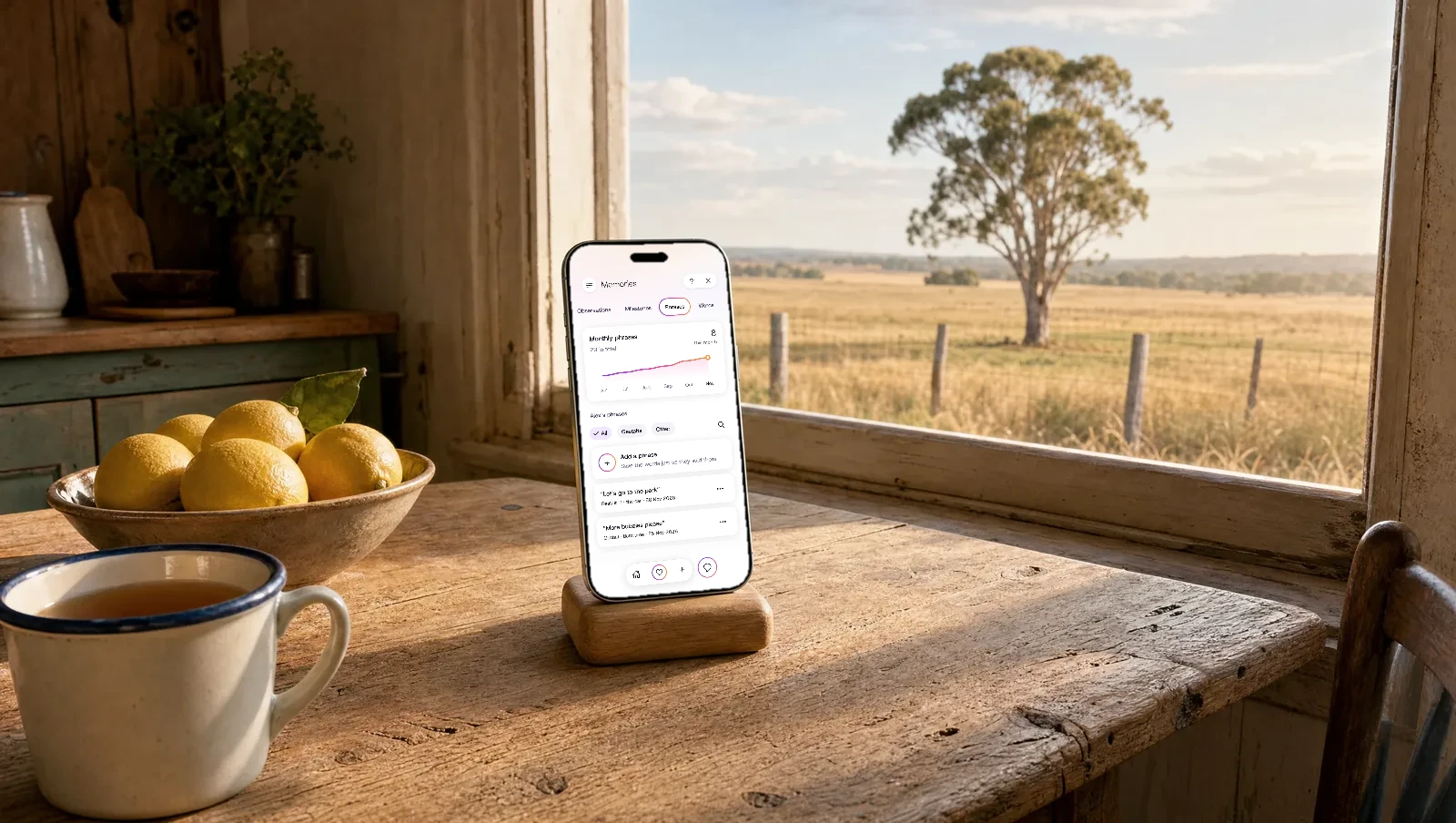
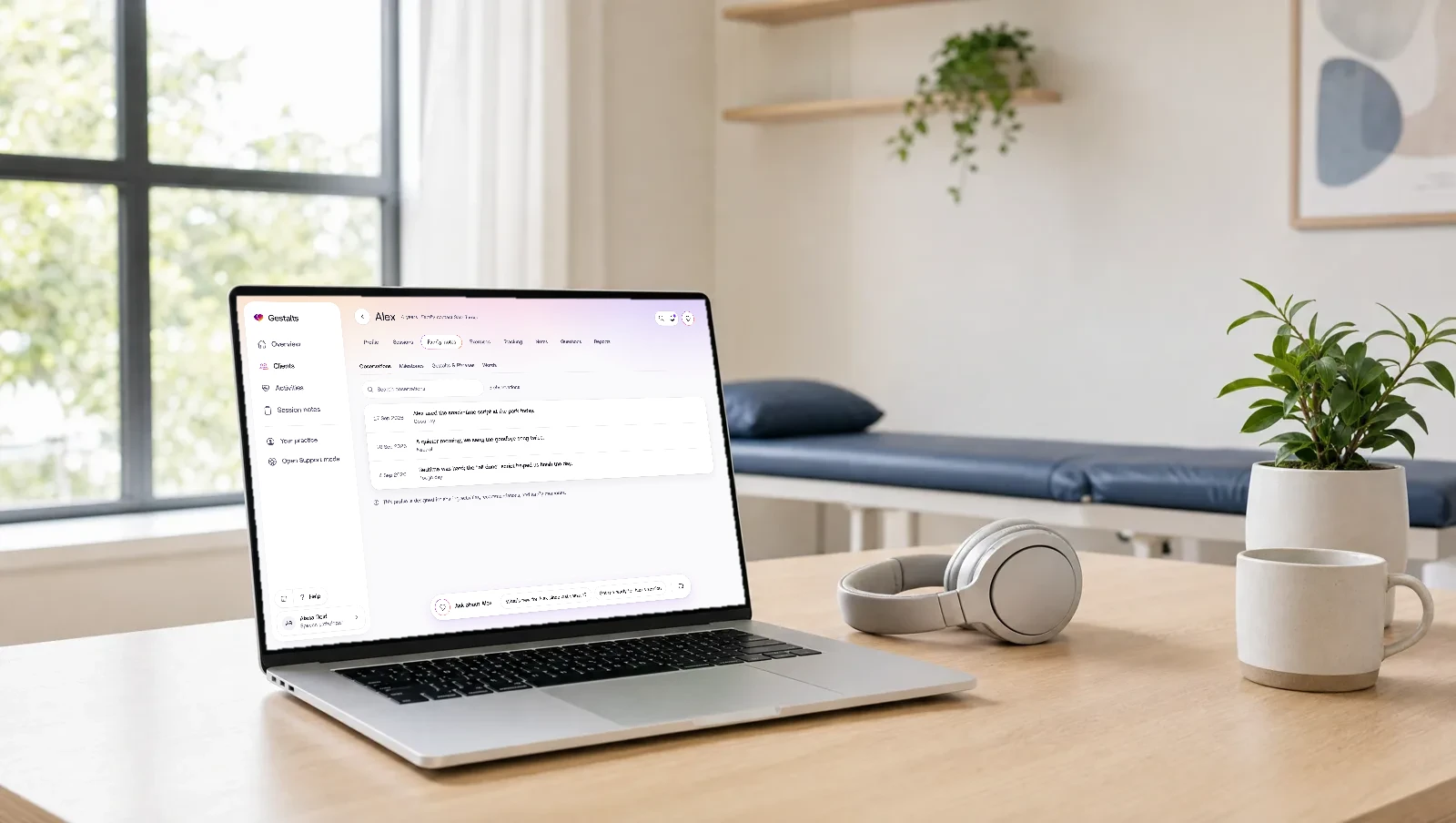
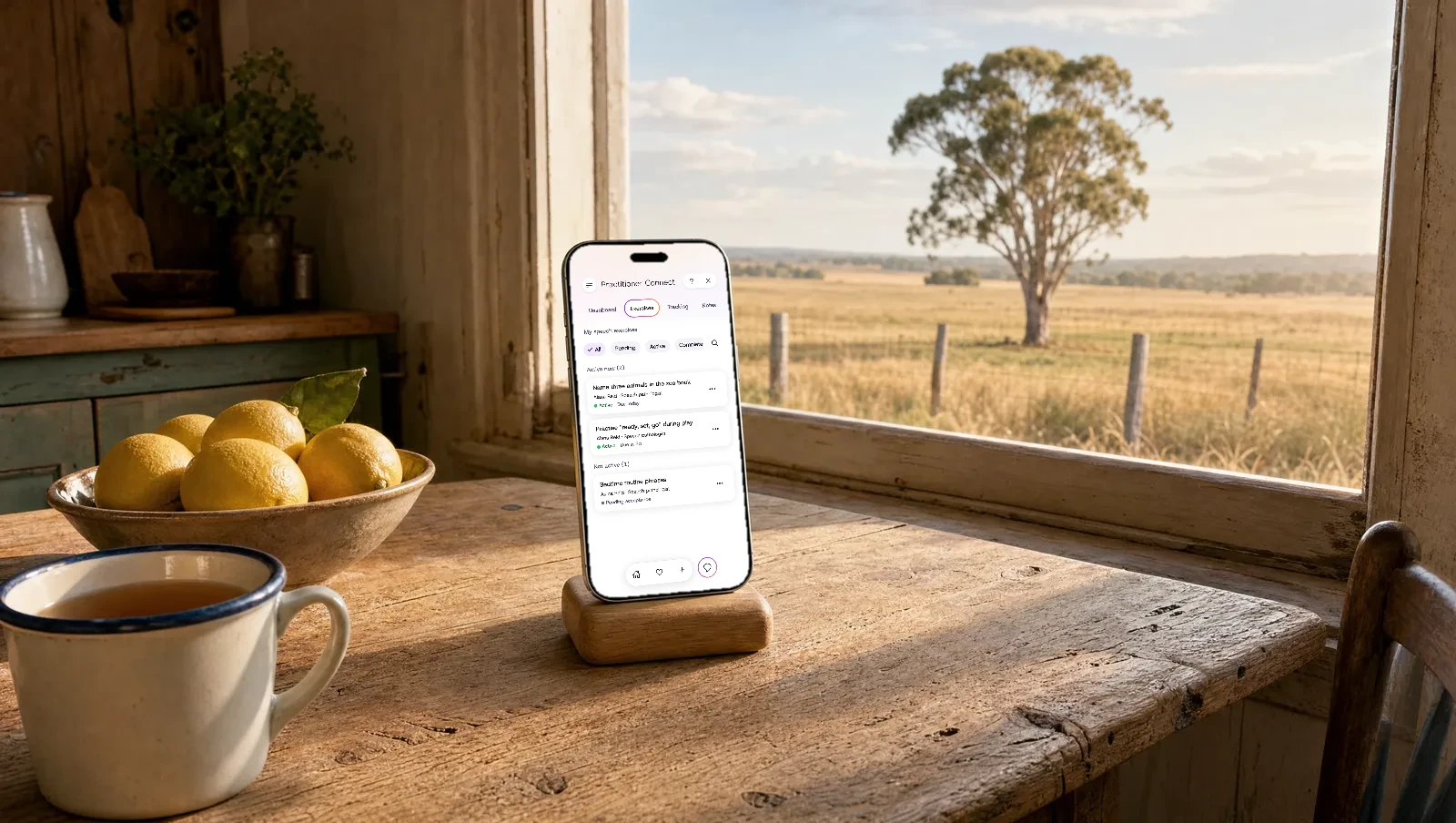
 At home
A phrase at the kitchen table or a moment out in the paddock, dated and in their own words.
At your deskOpen what the family chose to share and read about their week before the call starts.
At homeYour instructions go to their phone, so they’re easy to find when the family is ready to try it.
At your deskEach time they try it, they add an entry for you to review before the next call.
Keep using your usual video call service. Gestalts doesn’t run telehealth sessions. It holds what the family saves and the activities you send, before and after the call.
Families choose what you see.
A family connects with you when they’re ready and chooses which kinds of notes you can see. They can change it or stop sharing at any time.
The family decides whether to connect.
Invite a family from your workspace. Nothing is shared until they accept and choose what you can see.
You see only the kinds of notes they turn on.
They choose from observations, phrases, words, questions and activities. Personal journal entries always stay private.
They can change it any time.
Families can reduce, pause or remove your access whenever they like.
What Gestalts doesn’t do
- Gestalts does not assess a child, identify a language stage or recommend treatment.
- It doesn’t diagnose, treat or replace speech pathology.
- Your clinical notes stay in your own system. Gestalts is not a clinical record.
- The notes you send families are practical and non-clinical.
Whatever approach you take, you decide what it means. The family brings what happened.
Read where we stand on the evidenceFree for speech pathologists while we’re starting out.
We’ll tell you well before that changes. Families connect with you through their Connect plan, and they choose what you can see.
What it costs
- Your access to the portal
- Free
- Saving notes in the family’s app
- Free, no card
- Prepare, the portal’s family tools
- A$19.99 a month
- Connect, to share notes and reports with you
- A$39.99 a month
Prices in AUD.
Full pricingStart with one family
- 01InviteSend one family an invitation from your workspace. They accept from the app they already use.
- 02They saveThey save phrases, new words and questions as they come up, each with the date on it.
- 03You see it before the sessionThe notes they chose to share are there in date order, with their questions.
Questions speech pathologists ask
Does Gestalts replace our practice-management or clinical-record system?
No. Gestalts is a family-sharing and preparation tool. It is not a health or clinical record. Keep formal clinical records, treatment plans and sensitive medical documentation in your organisation’s designated system.
Who controls the family information I can see?
The parent does. Families decide whether to connect and what to share. The parent can change or remove access.
Can I use Gestalts with telehealth clients?
Yes. Gestalts doesn’t run video calls, so keep using the telehealth service you already use. Families can save notes at home and share them with you before the call, and the activities you send are on their phone afterwards. Their entries come back to your portal, wherever the family lives.
Is the portal only for gestalt language processing (GLP) clients?
No. Gestalts began with a gestalt language processing (GLP) family, and some education is GLP-specific. The core portal workflow for family-shared profiles, memories, questions and activities can be used with a wider range of families working on speech and communication.
What does a family need to work with me in Gestalts?
The family needs a connection with you, with the relevant permissions for sharing, activities and practical notes; new practitioner connections and connected sharing require Connect. Activity entries a family sends appear in your portal. AI-assisted reports are included in Prepare and Connect; sharing them through the portal needs Connect and report-sharing permission. The parent reviews the draft before sharing.
What does the portal cost?
Free for speech pathologists while we’re starting out. We’ll tell you well before that changes. Families connect with you through their Connect plan.
Try it with one family.
Invite a family. They save what happens at home, you read what they choose to share, and you send activities back.
Create practitioner workspaceFree for speech pathologists while we’re starting out.